Linux
126 posts in Linux
Belgian banks & SSL
Tested using SSL Labs on 20/01/2015. Updated version 01/02/2015 here and 15/02/2015 here.
Only providing the weak points. Once there is one SHA1 key in the chain, I will report everything as weak.
Check SSL Labs for a full report, including what they actually did good (if anything).
Grade A
- Rabobank (A+): no known issues. Support for HTTP Strict Transport Security and prevented downgrade attacks.
- Triodos (A): no downgrade attack prevention.
- Belfius (A-): weak signature (SHA1), no Forward Secrecy.
Grade B
Theme
I had the same theme for over four years. I’ve made quite a few custom css and PHP edits myself, and it had been outdated for ages… But it served me well.
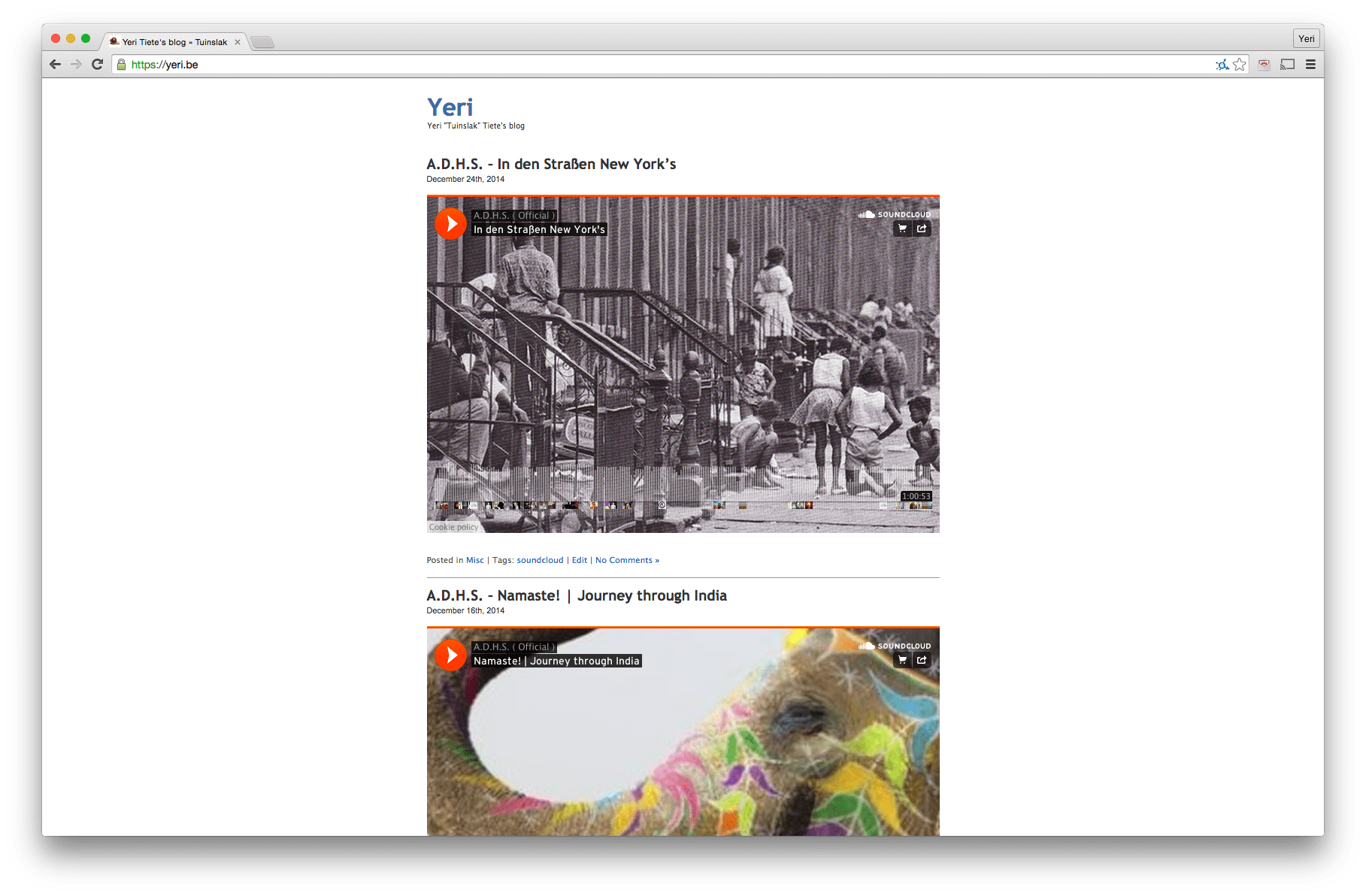
However, it’s now time for something new.
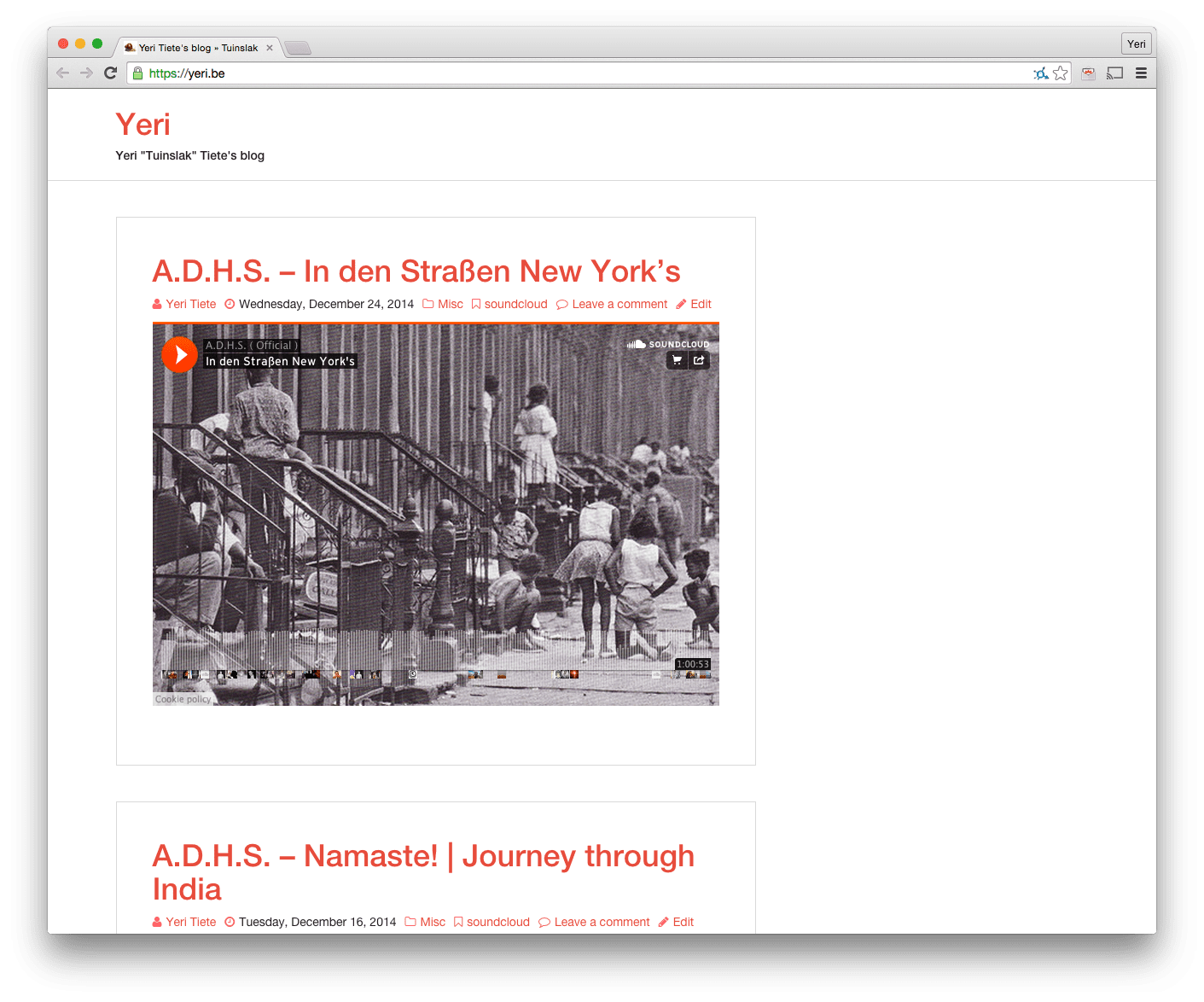
As always, as minimalistic as possible.
On a side note, this blog has been moved from vm1 (and one before that) a virtual machine running on a dual Xeon 3070 (2.66Ghz) at Databarn to Akama, a VM on an 8 core Xeon E3-1230 (3.2Ghz) at Leaseweb.
@Flightradar24 Ansible playbook
Here’s my very simple Ansible playbook for Flightradar24 nodes.
While I run it on EfikaMX, it should work on most Debian based devices. Just be sure to modify the FR24 software download URL.
This Ansible playbook is untested on its own. It comes out of a way bigger (private) Ansible playbook, and I kind of just copy pasted this part, as others might benefit from it.
After running Ansible, you should reboot for driver blacklisting to work in cases it’s needed on your device (it is on RPis). And be sure to edit /root/flightradar24.sh with your key.
Raspberry Pi & @Flightradar24
In a couple of lines: how to get FR24 (+ dump1090) to work on your Raspberry Pi.
Be sure to have the right hardware: flightradar24.com/dvbt-stick and … obviously … a RPi.
I got a NooElec from Amazon because I didn’t have the patience to wait for something (that might not work) from AliExpress.
As root:
apt-get update && apt-get install cmake gcc pkg-config libusb-1.0 make git-core libc-dev
git clone git://git.osmocom.org/rtl-sdr.git
cd rtl-sdr
mkdir build
cd build
cmake ../ -DINSTALL_UDEV_RULES=ON
make && make install
ldconfig
cd ../..
Gmail (& Google Apps) & IPv6
It seems that Google’s anti spam measurement for IPv6 is basically checking if the IP has a reverse DNS. If not, reject the e-mail:
This is the mail system at host rootspirit.com.

I'm sorry to have to inform you that your message could not
be delivered to one or more recipients. It's attached below.

For further assistance, please send mail to postmaster.

If you do so, please include this problem report. You can
delete your own text from the attached returned message.

The mail system

<xxx@gmail.com>: host
gmail-smtp-in.l.google.com[2a00:1450:4013:c01::1b] said: 550-5.7.1
[2001:1af8:3100:a00a:21::1010 12] Our system has detected that
550-5.7.1 this message is likely unsolicited mail. To reduce the amount
of spam 550-5.7.1 sent to Gmail, this message has been blocked.
Please visit 550-5.7.1 http://support.google.com/mail/bin/answer.py?hl=en&answer=188131 for 550 5.7.1 more information. df5si15766518wjb.42 - gsmtp (in reply to end of DATA command)
There is no difference if the mail is a one word e-mail or a wall of text that crits over 9000.
Wheezy Xen Dom0 & RAM
Note to self: <1Gb of RAM on a Dom0 Wheezy server causes kernel panics.
Using 2Gb of RAM seems to do the trick.
Deleting big files from your git history
I committed a couple of big binary files, which eventually really slowed down Git.
Unchanged: This is how you find them, and delete them:
Script (will show top 10 biggest files):
#!/bin/bash
#set-x
# Shows you the largest objects in your repo's pack file.
# Written for osx.
# @see http://bit.ly/UmpwkV

# @author Antony Stubbs
# set the internal field separator to line break,
# so that we can iterate easily over the verify-pack output

IFS=$'\n';
# list all objects including their size, sort by size, take top 10
objects=`git verify-pack -v .git/objects/pack/pack-*.idx | \
grep -v chain | sort -k3nr | head`

echo "All sizes are in kB's. The pack column is the size of the object, \
compressed, inside the pack file."

output="size,pack,SHA,location"
for y in $objects
do
	# extract the size in bytes
	size=$((`echo $y | cut -f 5 -d ' '`/1024))
	# extract the compressed size in bytes
	compressedSize=$((`echo $y | cut -f 6 -d ' '`/1024))
	# extract the SHA
	sha=`echo $y | cut -f 1 -d ' '`
	# find the objects location in the repository tree
	other=`git rev-list --all --objects | grep $sha`
	#lineBreak=° echo e "\n"*
	output="${output}\n${size},${compressedSize},${other}"
done
echo -e $output | column -t -s ', '
And then:
Auto turn on a Linux Mac Mini after a power outage
Mainly a note for myself, in case I need it again in the future.
And the original blog post is here.
This will turn on a Mac Mini (at least PowerPC arch, not sure about Intel), running Linux, the moment it has power again.
echo ‘server_mode=1’ > /proc/pmu/options
Edit & Note: This option seems to be reset after every boot to. So add it to rc.local or something.
Yard Sale: Mac Mini (G4)
I’m selling a Mac Mini 1.5Ghz G4 (PowerPC) with 512Mb ram. It has a 80Gb disk in it (7200 rpm I believe, but not sure). It runs Linux like a charm, and is a perfect server (and WAY faster than a Raspberry Pi).
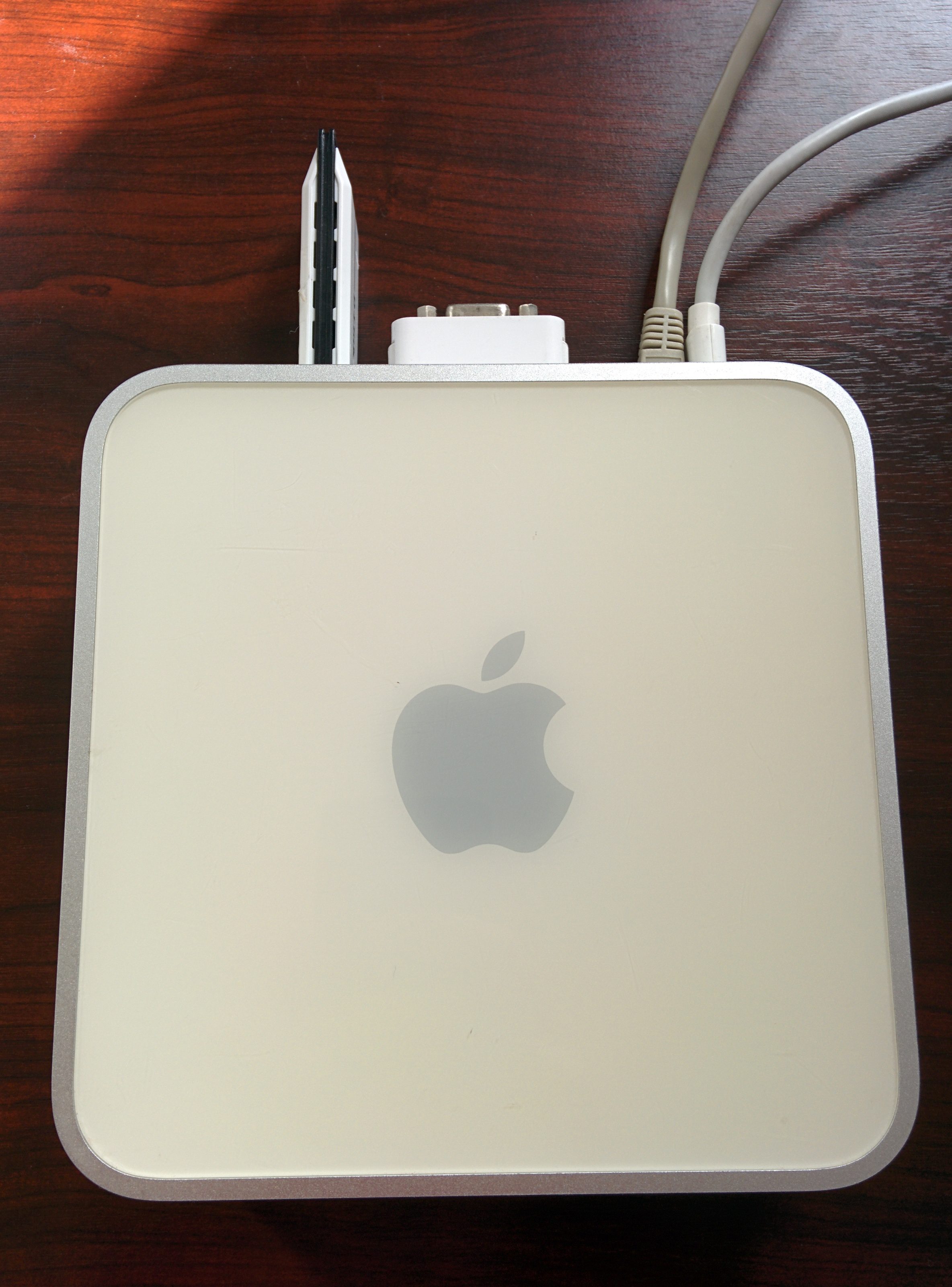

It comes with the power adapter, a DVI to VGA adapter, and in the picture below is the optional WiFi adapter.