Errors

87 posts in Errors

Unifi u6+ failing to upgrade

· Errors, Hardware, Linux, Networking

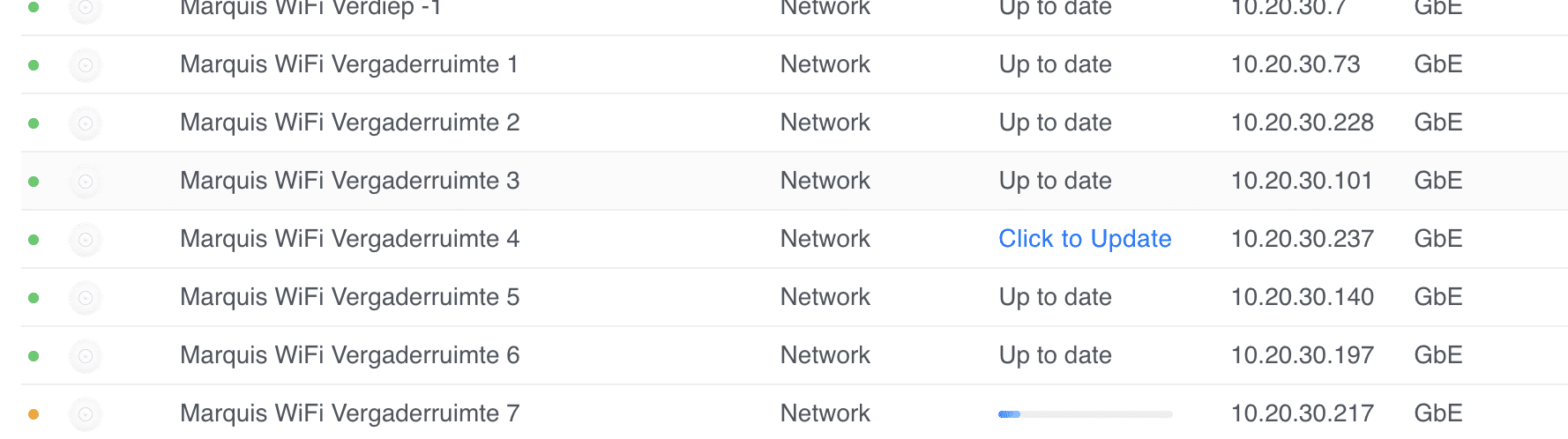
I have quite a few sites where some Unifi U6+ Access Points fail to upgrade with a generic update failed message.

Marquis WiFi Vergaderruimte 4 update failed.

I've tried everything, from ssh'ing, factory resetting with set-default, to manually upgrading with upgrade, etc.

Nothing worked. I thought I had a bunch of bad APs (and many had their warranty expire by a few weeks or months).

As a last resort, I decide to reach out to Ubiquiti's support. First line wasn't very helpful, but as the case was escalated, I've managed to recover and properly update the APs.

Unable to connect with Autodesk Desktop Licensing Service

· Apple, Errors, Software

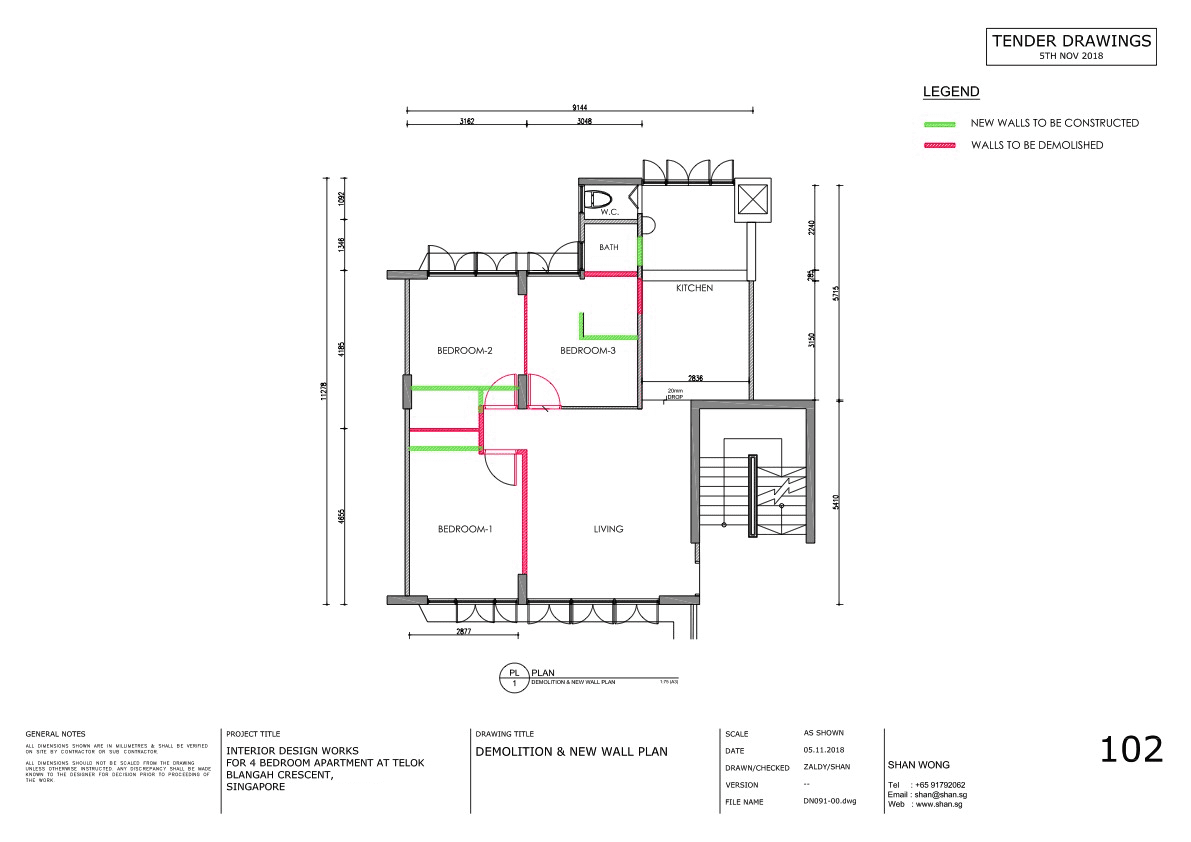
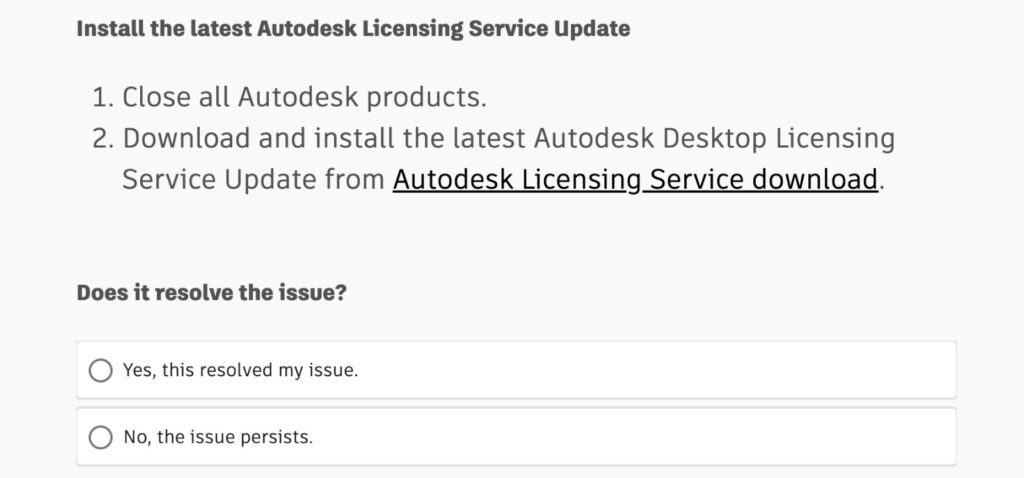
Recently migrated Shan from Windows to an Apple/macOS and every reboot she kept getting "Unable to connect with Autodesk Desktop Licensing Service" when launching AutoCAD on her Mac.

The official bullshit is to reinstall the Licensing Service (why is there even such a thing). But alas, that didn't fix it.

Also updating AutoCad to 2025 (we're barely even in 2024) didn't fix it (but made it work until the next reboot).

NextDNS and NetworkManager

· Errors, Linux, Software

A while back, I wrote about installing NetworkManager if NextDNS activate fails to work.

Only... I realised that for some reason on Raspberry Pi (4), WiFi stopped working with the following errors:

Feb 17 11:55:02 tyr NetworkManager[449]: <info>  [1676631302.2204] device (wlan0): state change: config -> failed (reason 'ssid-not-found', sys-iface-state: 'managed')
Feb 17 11:55:02 tyr NetworkManager[449]: <info>  [1676631302.7525] device (wlan0): set-hw-addr: set MAC address to 92:F3:ED:C2:8F:9B (scanning)
Feb 17 11:55:02 tyr NetworkManager[449]: <warn>  [1676631302.7559] device (wlan0): Activation: failed for connection 'superuser.one'
Feb 17 11:55:02 tyr NetworkManager[449]: <info>  [1676631302.7562] device (wlan0): supplicant interface state: scanning -> disconnected
Feb 17 11:55:02 tyr NetworkManager[449]: <info>  [1676631302.7562] device (p2p-dev-wlan0): supplicant management interface state: scanning -> disconnected
Feb 17 11:55:02 tyr NetworkManager[449]: <info>  [1676631302.7577] device (wlan0): supplicant interface state: disconnected -> interface_disabled
Feb 17 11:55:02 tyr NetworkManager[449]: <info>  [1676631302.7578] device (p2p-dev-wlan0): supplicant management interface state: disconnected -> interface_disabled
Feb 17 11:55:02 tyr NetworkManager[449]: <info>  [1676631302.7579] device (wlan0): supplicant interface state: interface_disabled -> disconnected
Feb 17 11:55:02 tyr NetworkManager[449]: <info>  [1676631302.7579] device (p2p-dev-wlan0): supplicant management interface state: interface_disabled -> disconnected
Feb 17 11:55:02 tyr NetworkManager[449]: <info>  [1676631302.7585] device (wlan0): state change: failed -> disconnected (reason 'none', sys-iface-state: 'managed')

The WiFi SSID and password (wpa_supplicant) never changed, so I wasn't sure what it was. However, as most Pi's are wired I didn't pay much attention, until today.

Mounting a whole disk with partitions

· Errors, Linux, Software

I reinstalled one of my RPis (moving from 32 to 64 bit).

Before doing the full reinstall, I took a dump (dd) of my disk.

Usually, I create one per partition, but this was the Christmas season, and I was half occupied with feasting and half occupied with entertaining Ila. So, mistakes were made.

I ran dd if=/dev/sdb of=backup.img -- but this means I can't mount the disk directly, as it's not a partition:

NetworkManager exit status 1

· Errors, Linux, Software

Recently reinstalled NextDNS on a RPi4 64bit and came across this error:

# nextdns activate
Error: NetworkManager resolver management: exit status 1

It seems like NextDNS was actually running, but just throwing an error when running nextdns activate. Restarting did seem to work without throwing any error.

The logs showed the same error:

Dec 20 14:06:20 tyr nextdns[5753]: Starting NextDNS 1.38.0/linux on :53
Dec 20 14:06:20 tyr nextdns[5753]: Listening on TCP/:53
Dec 20 14:06:20 tyr nextdns[5753]: Starting mDNS discovery
Dec 20 14:06:20 tyr nextdns[5753]: Listening on UDP/:53
Dec 20 14:06:21 tyr nextdns[5753]: Connected 45.90.28.0:443 (con=13ms tls=58ms, TCP, TLS13)
Dec 20 14:06:21 tyr nextdns[5753]: Connected 185.18.148.91:443 (con=12ms tls=28ms, TCP, TLS13)
Dec 20 14:06:21 tyr nextdns[5753]: Switching endpoint: https://dns.nextdns.io#185.18.148.91,2a04:b80:1:30::2
Dec 20 14:06:25 tyr nextdns[5753]: Setting up router
Dec 20 14:06:25 tyr nextdns[5753]: Activating
Dec 20 14:06:25 tyr nextdns[5753]: Activate: NetworkManager resolver management: exit status 1

The solution was (as root):

Using Mastodon with Cloudflare

· Errors, Software, www

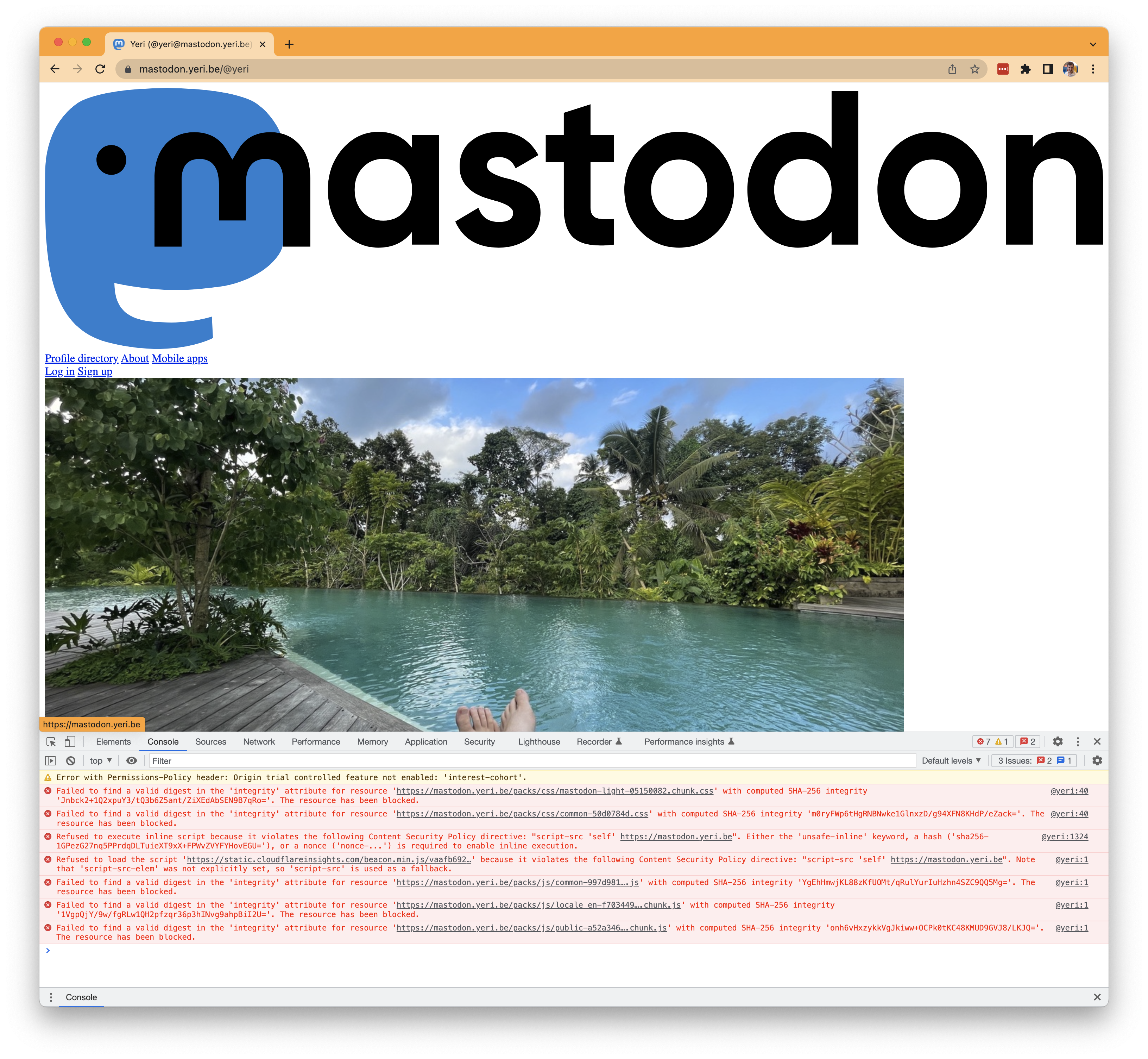
If you're using Mastodon with Cloudflare CDN/protection and minify turned on, you'll notice the site may look broken (after a few visits, when hitting Cloudflare cache).

Yeah, that's not how it's supposed to look.

And you'll notice errors in the webdev tools similar to Failed to find a valid digest in the 'integrity' attribute, with computed SHA-256 integrity:

Failed to find a valid digest in the 'integrity' attribute for resource 'https://mastodon.yeri.be/packs/js/common-997d98113e1e433a9a9f.js' with computed SHA-256 integrity 'YgEhHmwjKL88zKfUOMt/qRulYurIuHzhn4SZC9QQ5Mg='. The resource has been blocked.
@yeri:1 Failed to find a valid digest in the 'integrity' attribute for resource 'https://mastodon.yeri.be/packs/js/locale_en-f70344940a5a8f625e92.chunk.js' with computed SHA-256 integrity '1VgpQjY/9w/fgRLw1QH2pfzqr36p3hINvg9ahpBiI2U='. The resource has been blocked.
@yeri:1 Failed to find a valid digest in the 'integrity' attribute for resource 'https://mastodon.yeri.be/packs/js/public-a52a3460655116c9cf18.chunk.js' with computed SHA-256 integrity 'onh6vHxzykkVgJkiww+OCPk0tKC48KMUD9GVJ8/LKJQ='. The resource has been blocked.

Basically, the sha256 hash doesn't match the js or css static files.

Screen going black with AutoCAD (LT)

· Errors, Hardware, Misc, Software, Windows

I am not sure what is the problem -- I've upgraded Shan's 27" 2k monitor to a 32" 4k monitor and AutoCAD LT recently updated from 2021 to 2022. Shan's been using a 2017 i5 NUC (NUC7i5BNB) with 32Gb RAM using the onboard GPU. Something that should be plenty for a bit of Windows, Chrome, Photoshop and AutoCAD LT.

For the past few weeks, several times a day her screen would black out for half a second or so and then everything should go back to normal. Sometimes it would happen several times in a row, sometimes it wouldn't for hours on end.

Apple Watch OS7 stopped showing the date

· Apple, Errors, Software

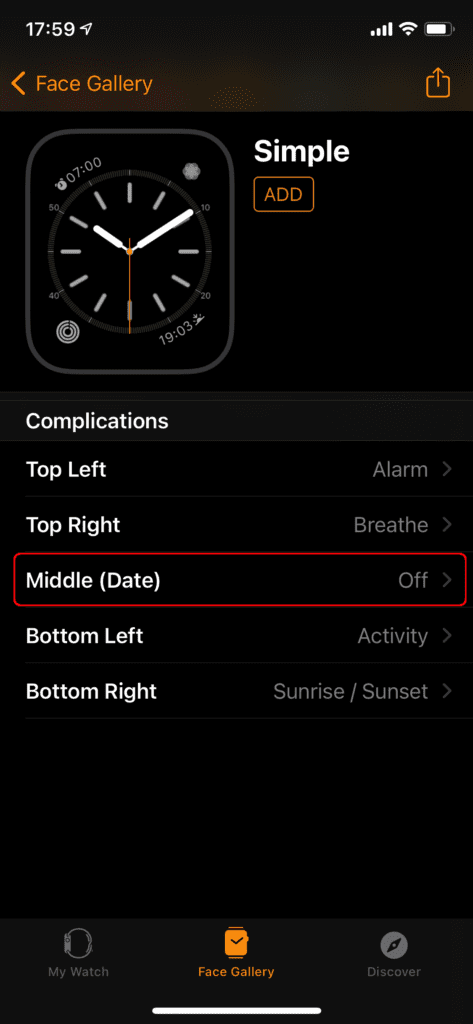
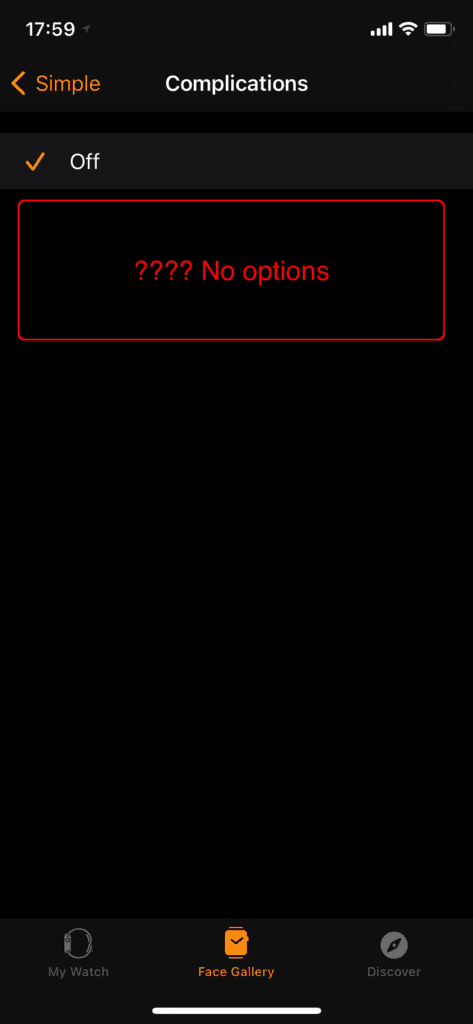
I've been running the Apple WatchOS 7 beta for a while now, and when updating, my watch face lost the "date": it was no longer showing the date and day of the week (i.e. Fri).

Quite annoying -- but it's a beta after all. I shouldn't complain. I did what every good beta tester would do: I filed a bug (it's still unanswered from what I can see).

Nexus 5: boot loop

· Errors, Google, Hardware

I had a Nexus 5 stuck in a boot loop (Android logo/animation in a loop, not actually booting).

This is what I think I've done to fix the issue. It seemed that /persist partition was corrupt. I tried a factory reset, flash new stock images, and clear cache, etc before trying the following.

Note that I managed to boot Android 4.4, but nothing else; it did throw a shit load of errors though (Google Play crashes, etc).