Yard Sale: Raspberry Pi's
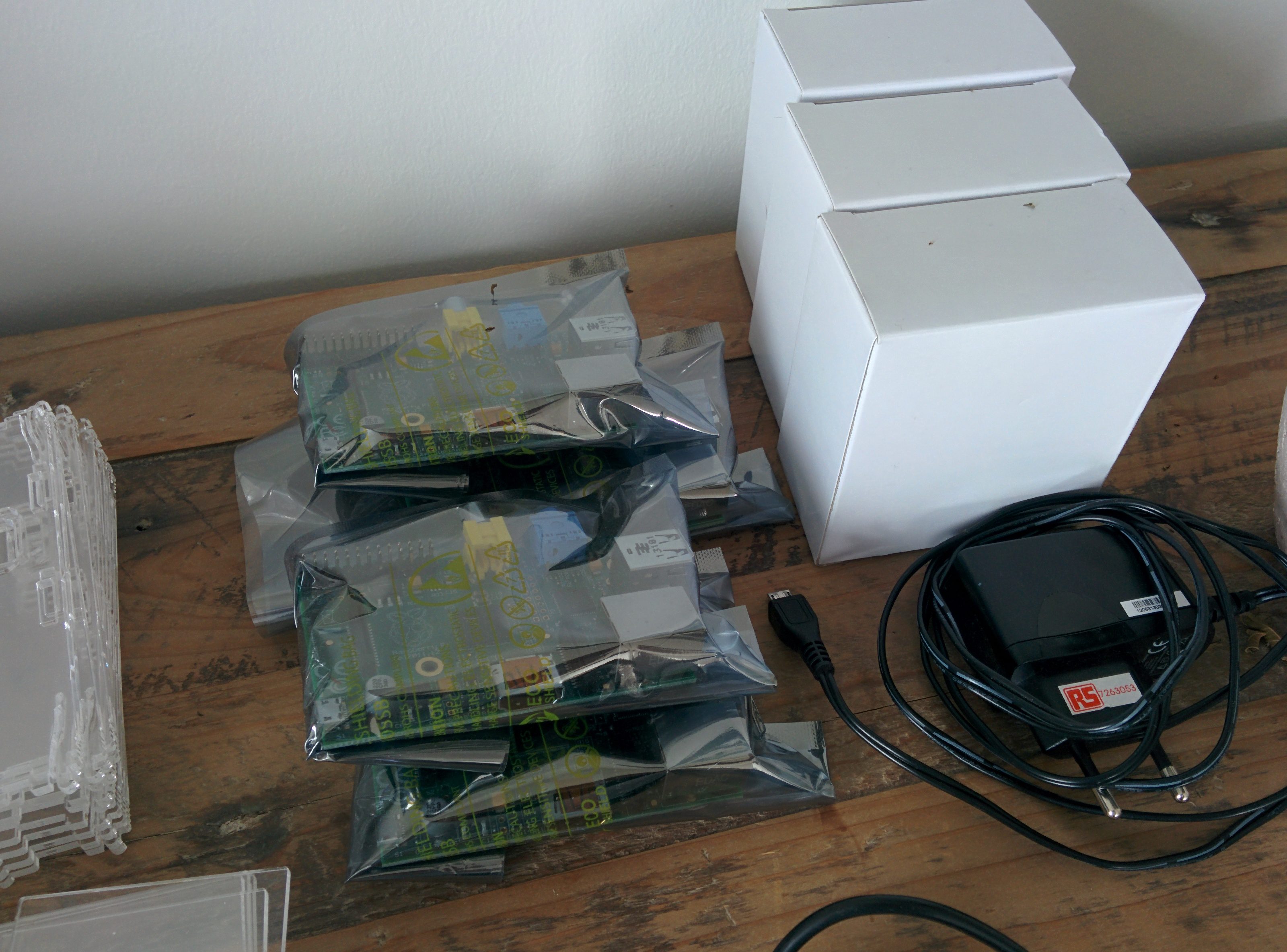
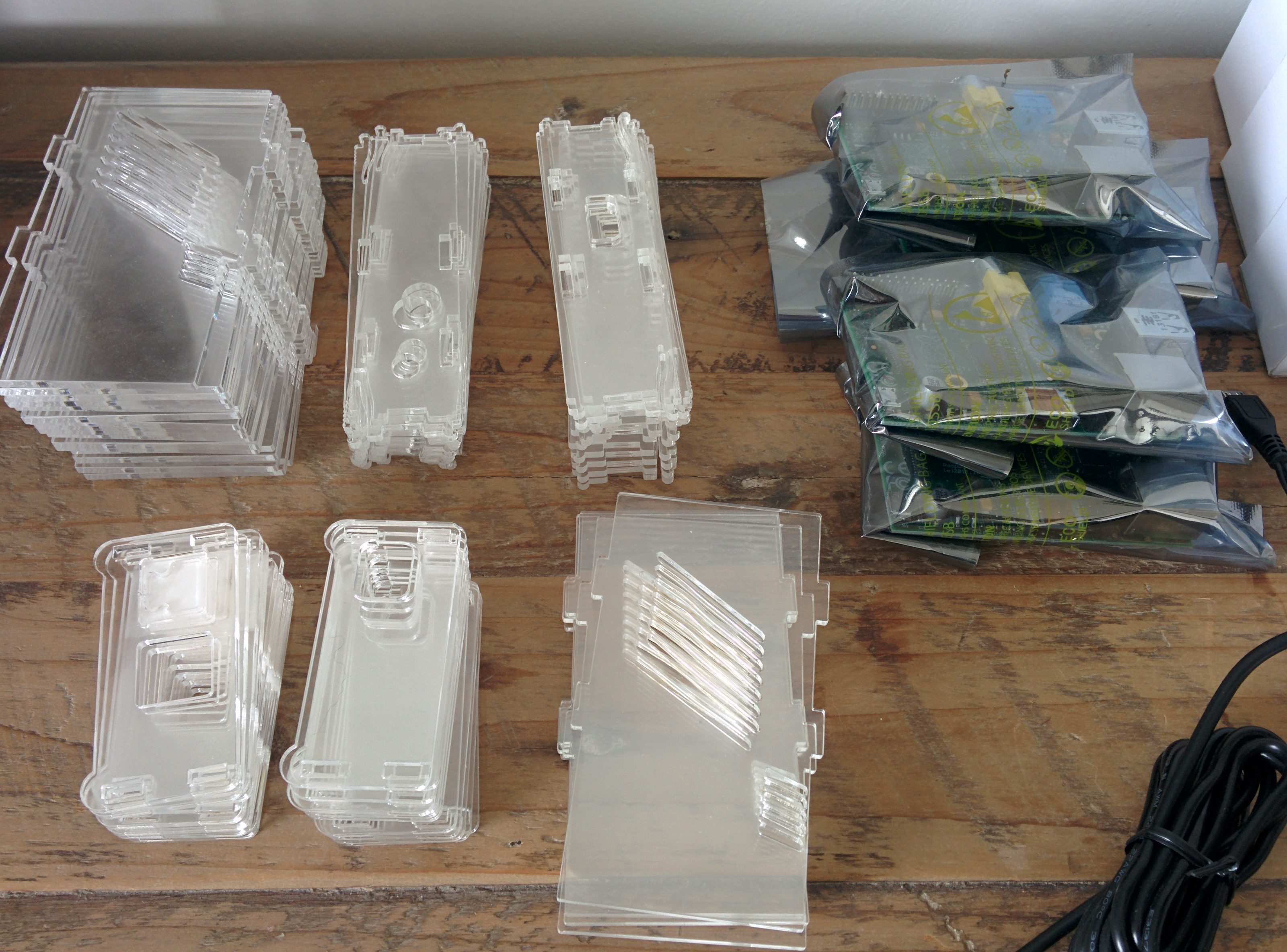
Today I’m selling Raspberry Pi’s.
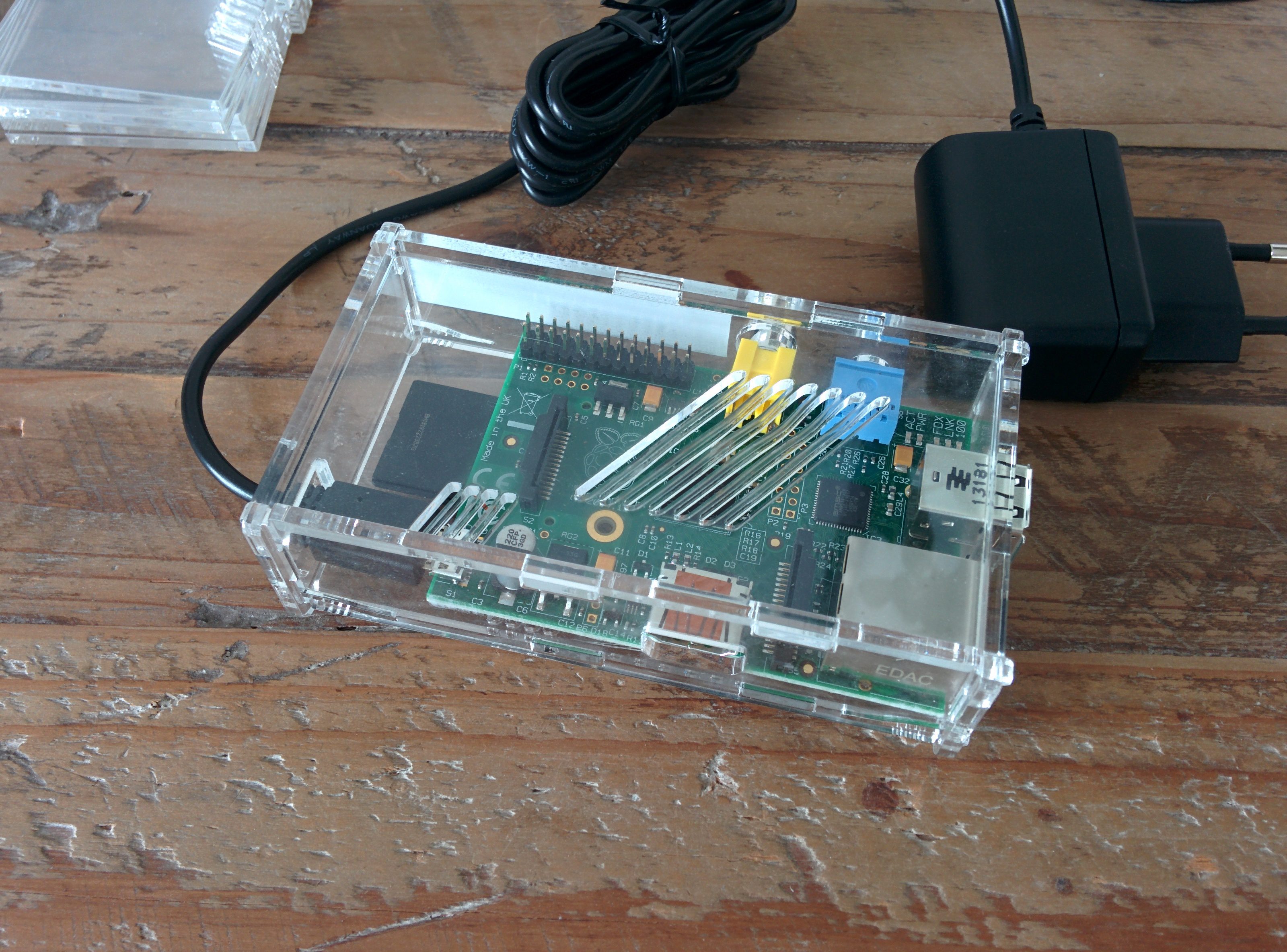
I am also selling the power adapter and the laser cut casing.
PSU: €4.45/item
Casing: €4/item
Possible on invoice.
Contact: yeri+rpi@tiete.be
126 posts in Linux
Today I’m selling Raspberry Pi’s.
I am also selling the power adapter and the laser cut casing.
PSU: €4.45/item
Casing: €4/item
Possible on invoice.
Contact: yeri+rpi@tiete.be
Another day, another Yard Sale.
I’m selling about 100 DWA-160 D-Link USB WiFi adapters (Atheros).
These are compatible with Raspberry Pi and do not require an external power source. And are obviously compatible with Linux (firmware-linux-free).
Some of these adapters are new, others are used. Two different generation mixed (see the WPS button in the picture).
These adapters can be used in Master (Acces Point) mode using hostapd, but certain Macbook Pro’s (Broadcom driver afaik) make the driver/firmware crash; last time I checked (1.5 year ago) this bug was known but not solved (yet).
I got a mail in my inbox about a week ago from Anthony, telling me how to improve my Munin & temp script for a RPi:
Hi,I just read your (old) blog post about monitoring the temperature of the Raspberry Pi with munin[1].
I had the exact same error as you did when I was trying to let munin do the job all by himself:
temp.value VCHI initialization failed)
It turns out the solution was quite easy: in
Observed:
mother ~ # dig mother.titify.com

; <<>> DiG 9.8.4-rpz2+rl005.12-P1 <<>> mother.titify.com
;; global options: +cmd
;; Got answer:
;; ->>HEADER<<- opcode: QUERY, status: NOERROR, id: 12227
;; flags: qr aa rd; QUERY: 1, ANSWER: 0, AUTHORITY: 0, ADDITIONAL: 0
;; WARNING: recursion requested but not available

;; QUESTION SECTION:
;mother.titify.com. IN A

;; Query time: 1 msec
;; SERVER: 127.0.0.1#53(127.0.0.1)
;; WHEN: Sat Sep 28 18:08:19 2013
;; MSG SIZE rcvd: 35
As you can see, there is a QUESTION section, but no ANSWER. This is an example with a CNAME:
If you have a rc.local looking like this:
/bin/run-parts /etc/rc.local.d
and files in /etc/rc.local.d looking like this
hostname.sh sshkeys.sh firstboot.sh
it’s not going to work.
Why, you ask, after cursing and shouting for the past hour?
because run-parts ignores files with dots (".") and/or .sh files.
Yes. True story.
rename all the files to:
hostname sshkeys firstboot
and your problem will be solved (and of course chmod +x them).
In /etc/fstab, be sure to add the option:
_netdev
As it will attempt to start the network mounted sshfs before networking has been started.
The entire line looks like this:
user@host:/some/dir /local/path fuse.sshfs defaults,idmap=user,_netdev 0 0
From the man pages:
_netdev
The filesystem resides on a device that requires network access (used to prevent the system from attempting to mount these filesystems until the network has been enabled on the system).
There’s this howto that explains how to set up the RPi as ad blocker.
I’ve two RPi’s acting a router and was already running dnsmasq. I decided to give it a try. Note that this howto can actually be used on any DNS serving Linux server.
First of all, don’t go with the pixelserv as it crashes after a few minutes.
Apache is an option that worked fine. A general hint: if you’re already running Apache or whatever on port 80, just add a 2nd static IP and make Apache listen to that.
[ 0.184110] pci 0000:04:04.0: [10ec:8139] type 0 class 0x000200
[ 3.822258] 8139cp: 8139cp: 10/100 PCI Ethernet driver v1.3 (Mar 22, 2004)
[ 3.822281] 8139cp 0000:04:04.0: This (id 10ec:8139 rev 10) is not an 8139C+ compatible chip, use 8139too
[ 3.822574] 8139too: 8139too Fast Ethernet driver 0.9.28
[ 3.822625] 8139too 0000:04:04.0: Chip not responding, ignoring board
[ 3.822675] 8139too: probe of 0000:04:04.0 failed with error -5
On a Debian machine.
The solution was changing PCI slot , blowing away all the dust in the mobo PCI slot and on the pins of the PCI card, and gently inserting and removing it a couple of times.
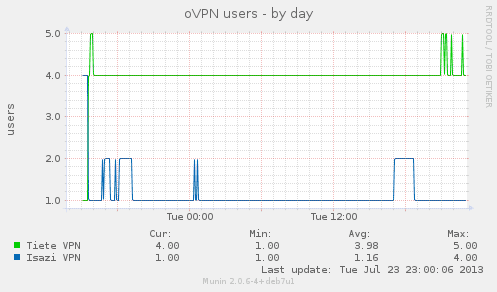
Rather simple script. Using log file instead of management interface.
Part has to run as Root (due to Munin most likely not having access to read the log files. Working with the management interface could solve this.Create /usr/local/bin/getVpnUsers.sh:
#!/bin/bash
echo "VPN.value `cat /var/log/openvpn-status.log | sed -e '1,/Common Name/d' |
sed -e '/ROUTING TABLE/,$d' | wc -l`" > /tmp/.vpn_munin.txt
You can change the name of VPN.value to the VPN name and/or add multiple lines (each with a different NAME.value if you’re running more than one VPN user. Be sure to cat the right log file).