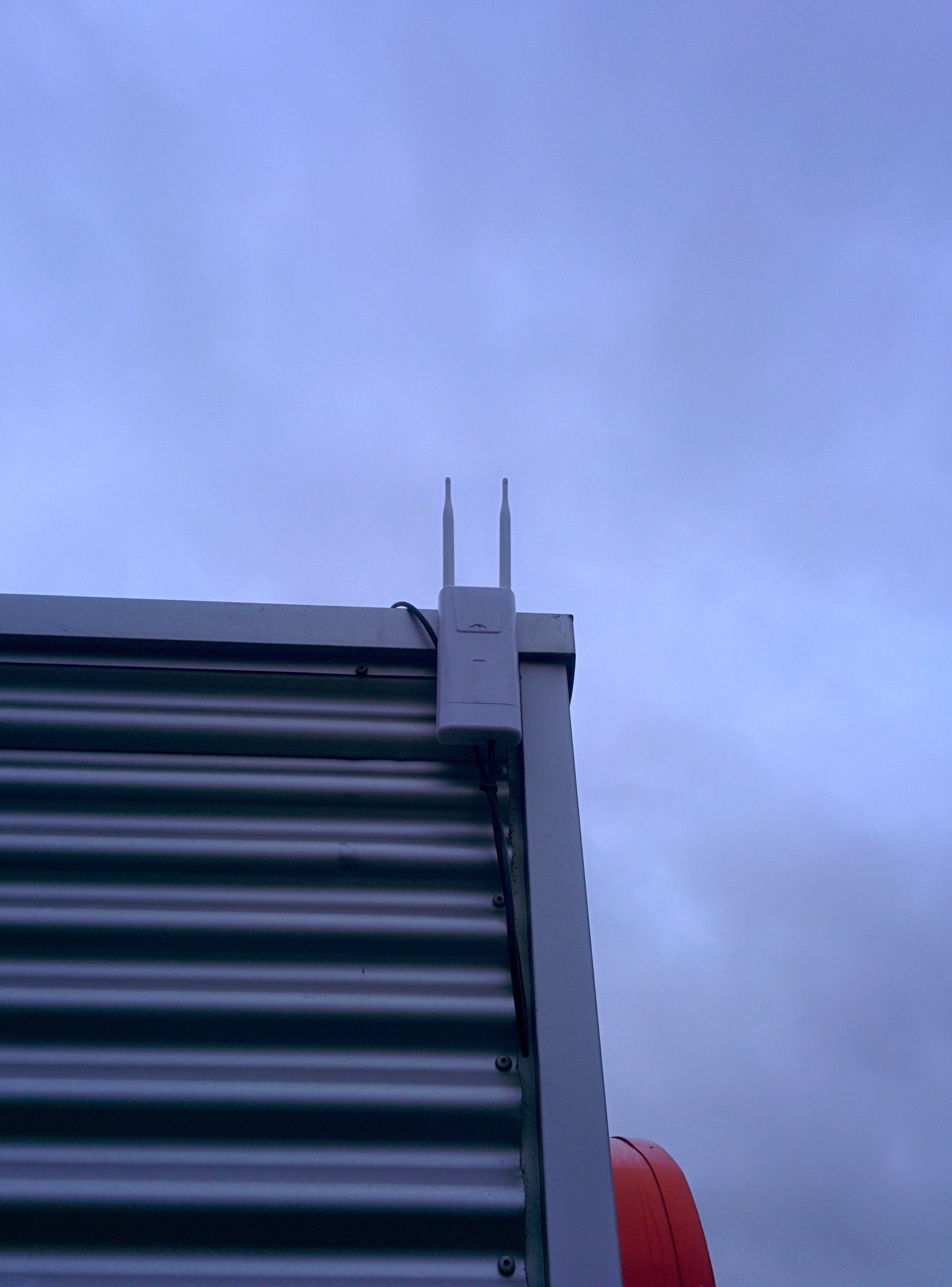
Outdoor WiFi (Pegasus Park)
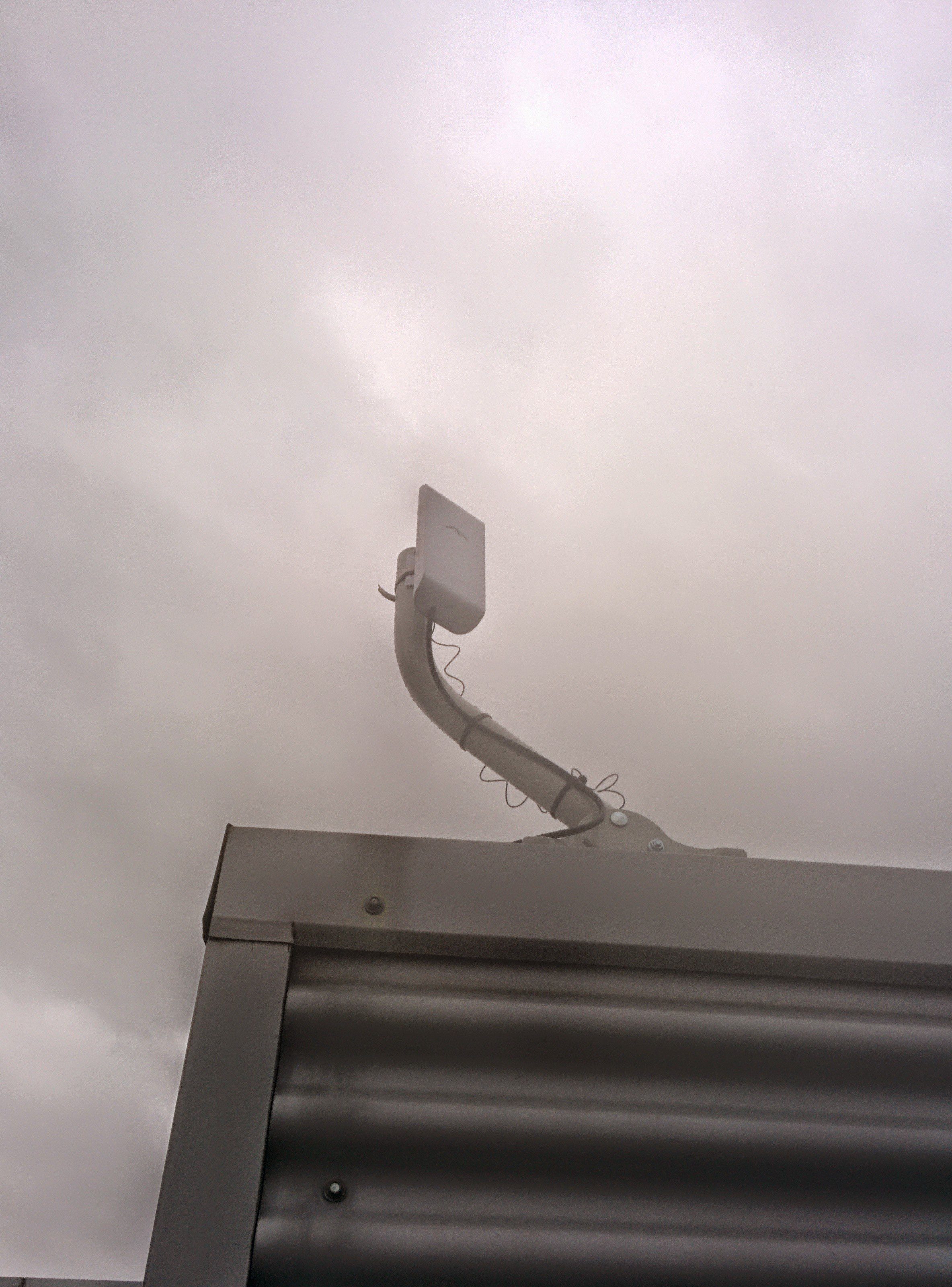
Point to Point transmitters (Loco M2)

Point to Point receiver (Loco M2)
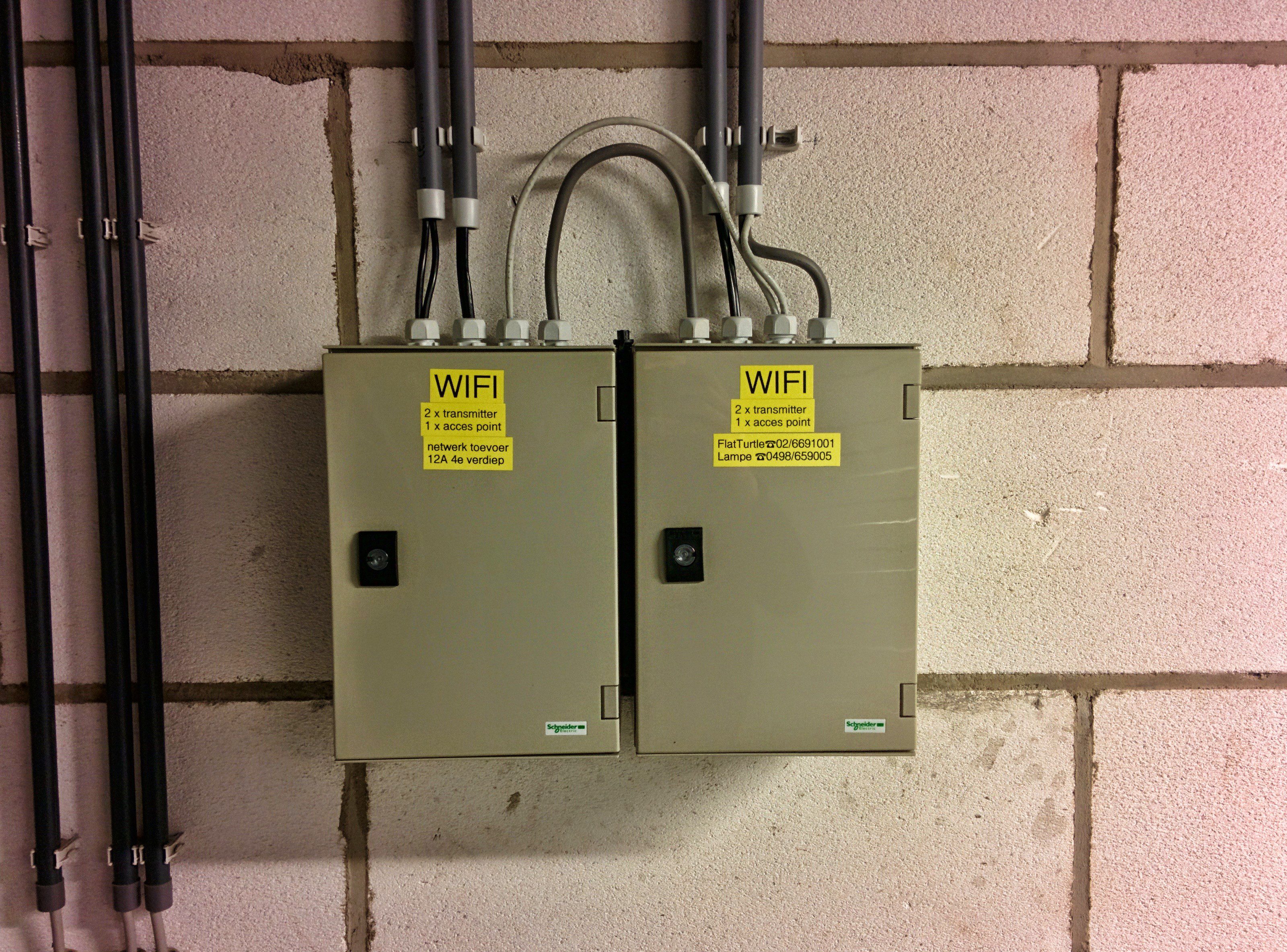
Boxes with power, PoE and switches
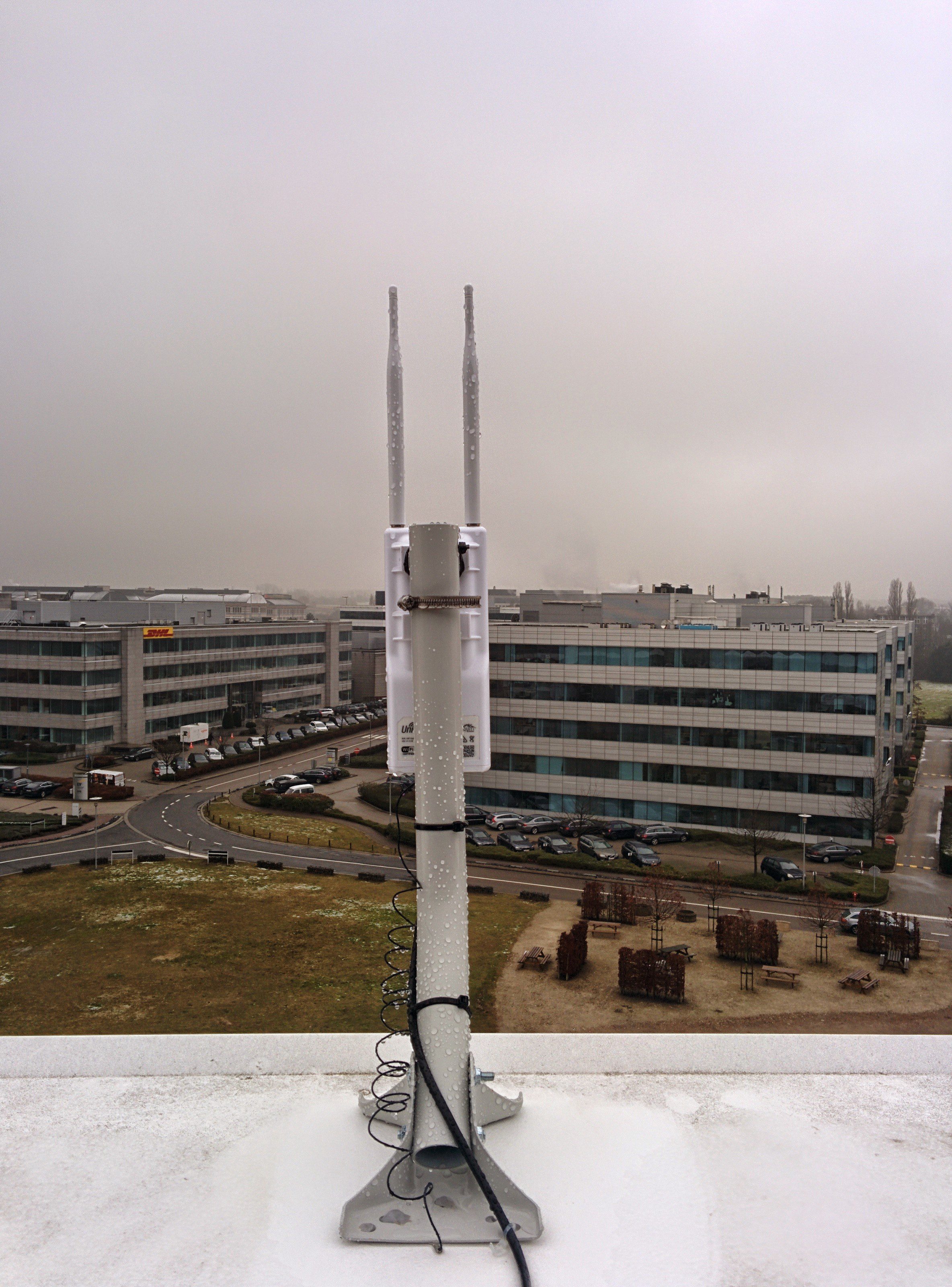
Outdoor Access Point (UAP Outdoor+)
110 posts in Networking
Point to Point transmitters (Loco M2)
Point to Point receiver (Loco M2)
Boxes with power, PoE and switches
Outdoor Access Point (UAP Outdoor+)
Tested using SSL Labs on 20/01/2015. Updated version 01/02/2015 here and 15/02/2015 here.
Only providing the weak points. Once there is one SHA1 key in the chain, I will report everything as weak.
Check SSL Labs for a full report, including what they actually did good (if anything).
Grade A
Grade B
I had the same theme for over four years. I’ve made quite a few custom css and PHP edits myself, and it had been outdated for ages… But it served me well.
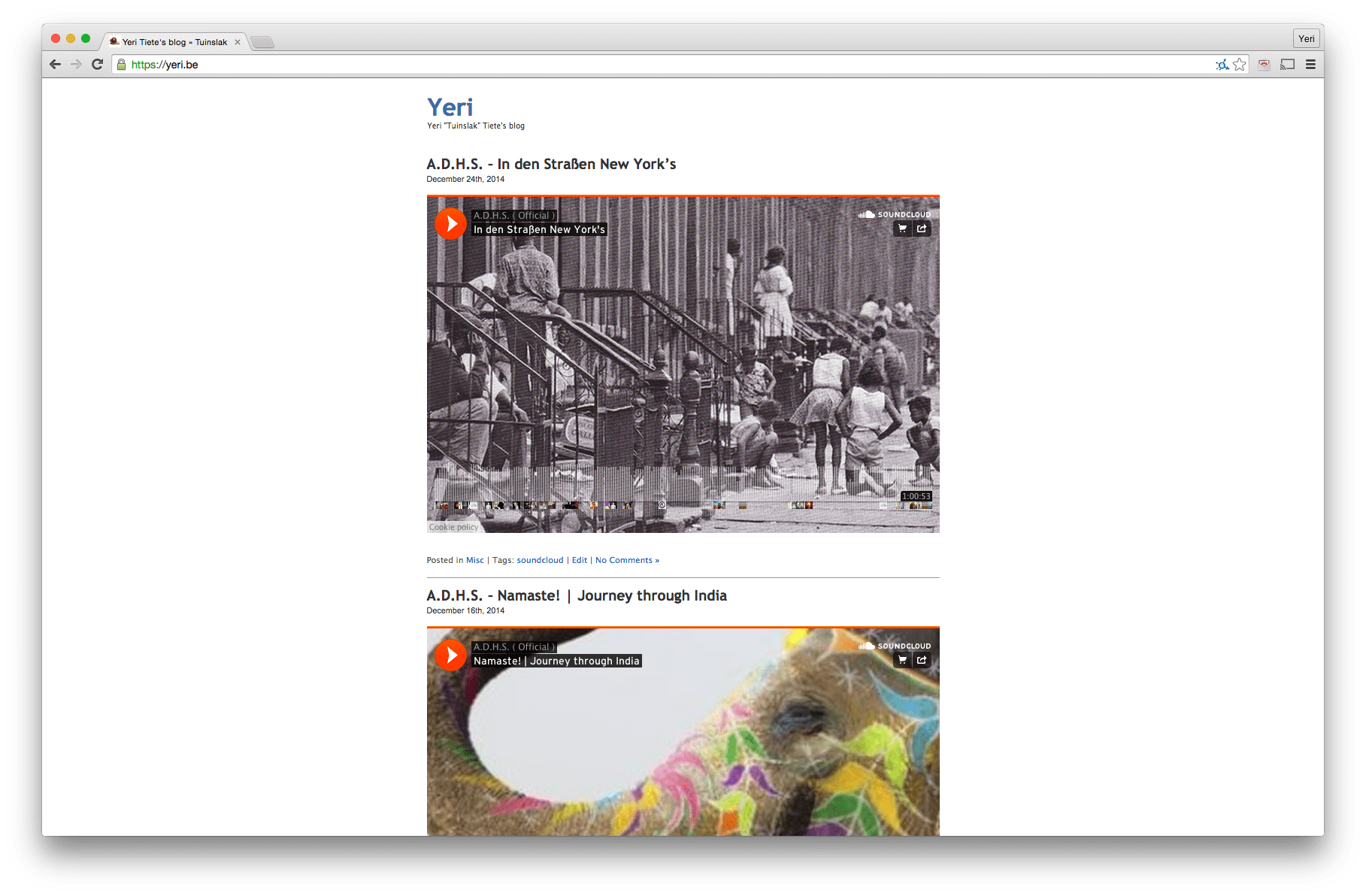
However, it’s now time for something new.
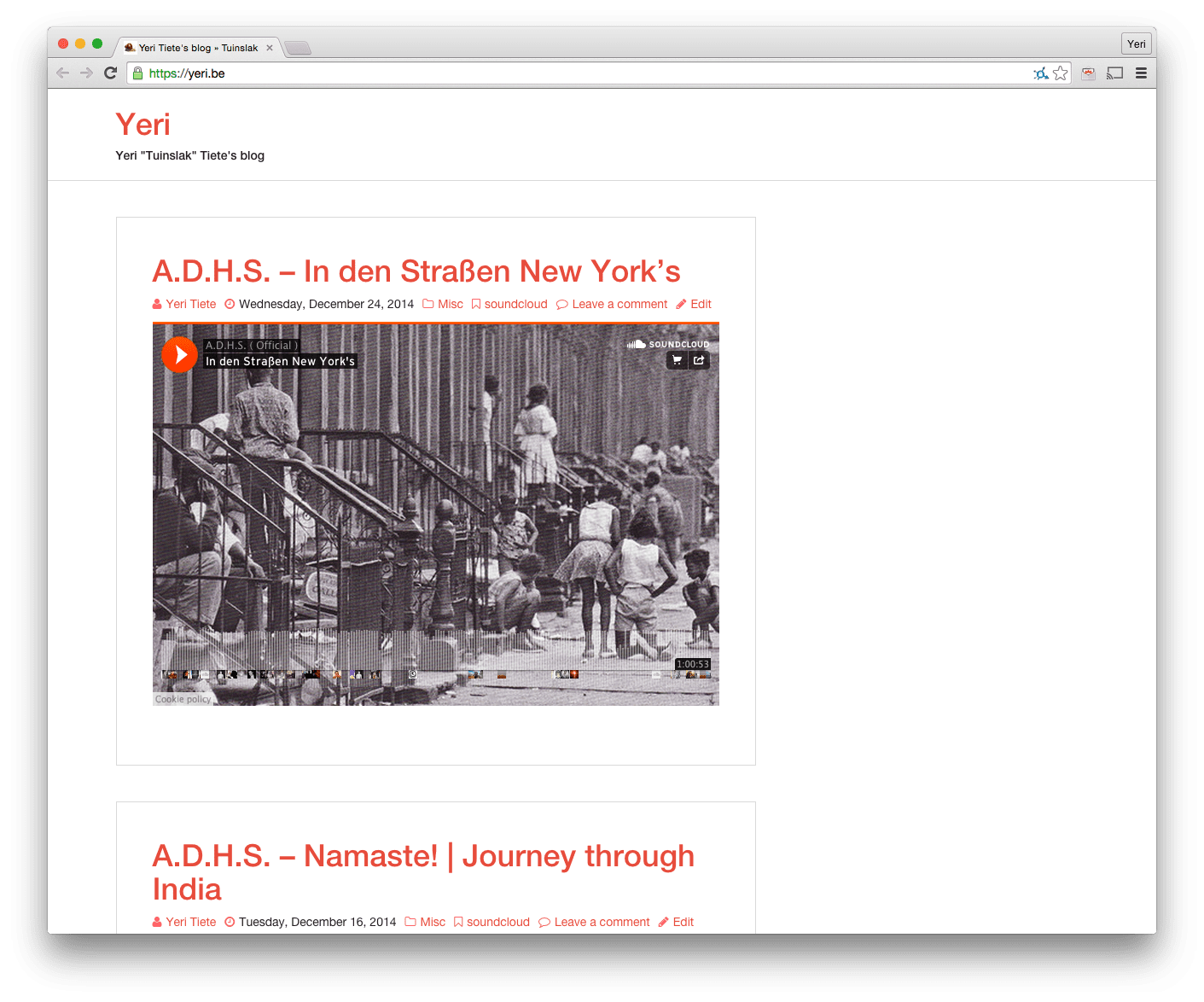
As always, as minimalistic as possible.
On a side note, this blog has been moved from vm1 (and one before that) a virtual machine running on a dual Xeon 3070 (2.66Ghz) at Databarn to Akama, a VM on an 8 core Xeon E3-1230 (3.2Ghz) at Leaseweb.
Here’s my very simple Ansible playbook for Flightradar24 nodes.
While I run it on EfikaMX, it should work on most Debian based devices. Just be sure to modify the FR24 software download URL.
This Ansible playbook is untested on its own. It comes out of a way bigger (private) Ansible playbook, and I kind of just copy pasted this part, as others might benefit from it.
After running Ansible, you should reboot for driver blacklisting to work in cases it’s needed on your device (it is on RPis). And be sure to edit /root/flightradar24.sh with your key.
HTTPS affects Google Page Rank. Best idea ever. Now read this.
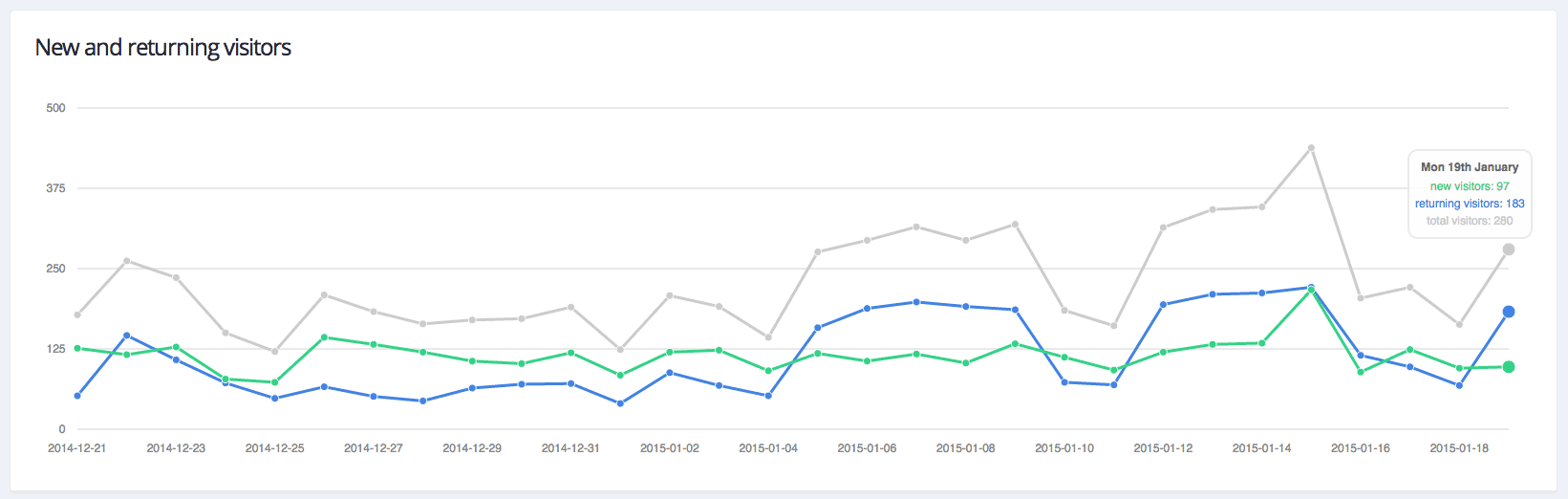
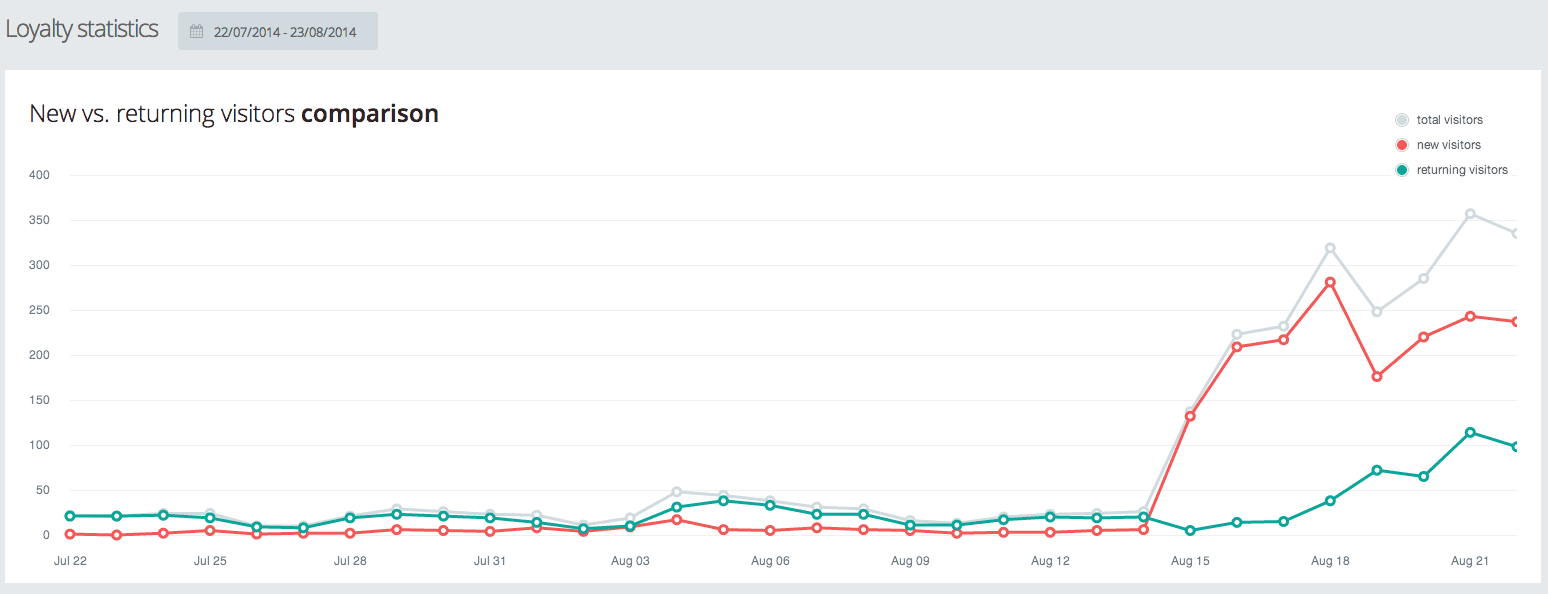
This is the effect, of giving a WiFi hotspot (near a window at traffic lights) two additional SSID; by coincidence the same used by the two biggest local ISPs. You can clearly see when I made the change.
Edit (07/09/2014):

In a couple of lines: how to get FR24 (+ dump1090) to work on your Raspberry Pi.
Be sure to have the right hardware: flightradar24.com/dvbt-stick and … obviously … a RPi.
I got a NooElec from Amazon because I didn’t have the patience to wait for something (that might not work) from AliExpress.
As root:
apt-get update && apt-get install cmake gcc pkg-config libusb-1.0 make git-core libc-dev
git clone git://git.osmocom.org/rtl-sdr.git
cd rtl-sdr
mkdir build
cd build
cmake ../ -DINSTALL_UDEV_RULES=ON
make && make install
ldconfig
cd ../..
It seems that Google’s anti spam measurement for IPv6 is basically checking if the IP has a reverse DNS. If not, reject the e-mail:
This is the mail system at host rootspirit.com.

I'm sorry to have to inform you that your message could not
be delivered to one or more recipients. It's attached below.

For further assistance, please send mail to postmaster.

If you do so, please include this problem report. You can
delete your own text from the attached returned message.

The mail system

<xxx@gmail.com>: host
gmail-smtp-in.l.google.com[2a00:1450:4013:c01::1b] said: 550-5.7.1
[2001:1af8:3100:a00a:21::1010 12] Our system has detected that
550-5.7.1 this message is likely unsolicited mail. To reduce the amount
of spam 550-5.7.1 sent to Gmail, this message has been blocked.
Please visit 550-5.7.1 http://support.google.com/mail/bin/answer.py?hl=en&answer=188131 for 550 5.7.1 more information. df5si15766518wjb.42 - gsmtp (in reply to end of DATA command)
There is no difference if the mail is a one word e-mail or a wall of text that crits over 9000.

For sale: two TP-Link WA7510N (5Ghz). These devices are about a year old, and served for about 10 months to provide internet from my apartment to a neighbouring building in Antwerp.
Because our office moved (all space got rent), internet is no longer required. Right now, I do not have a use-case for these devices (although, it was pretty cool, and I wish I could keep using them somehow).