Apple

80 posts in Apple

Yard Sale: Mac Mini (G4)

· Apple, Hardware, Linux

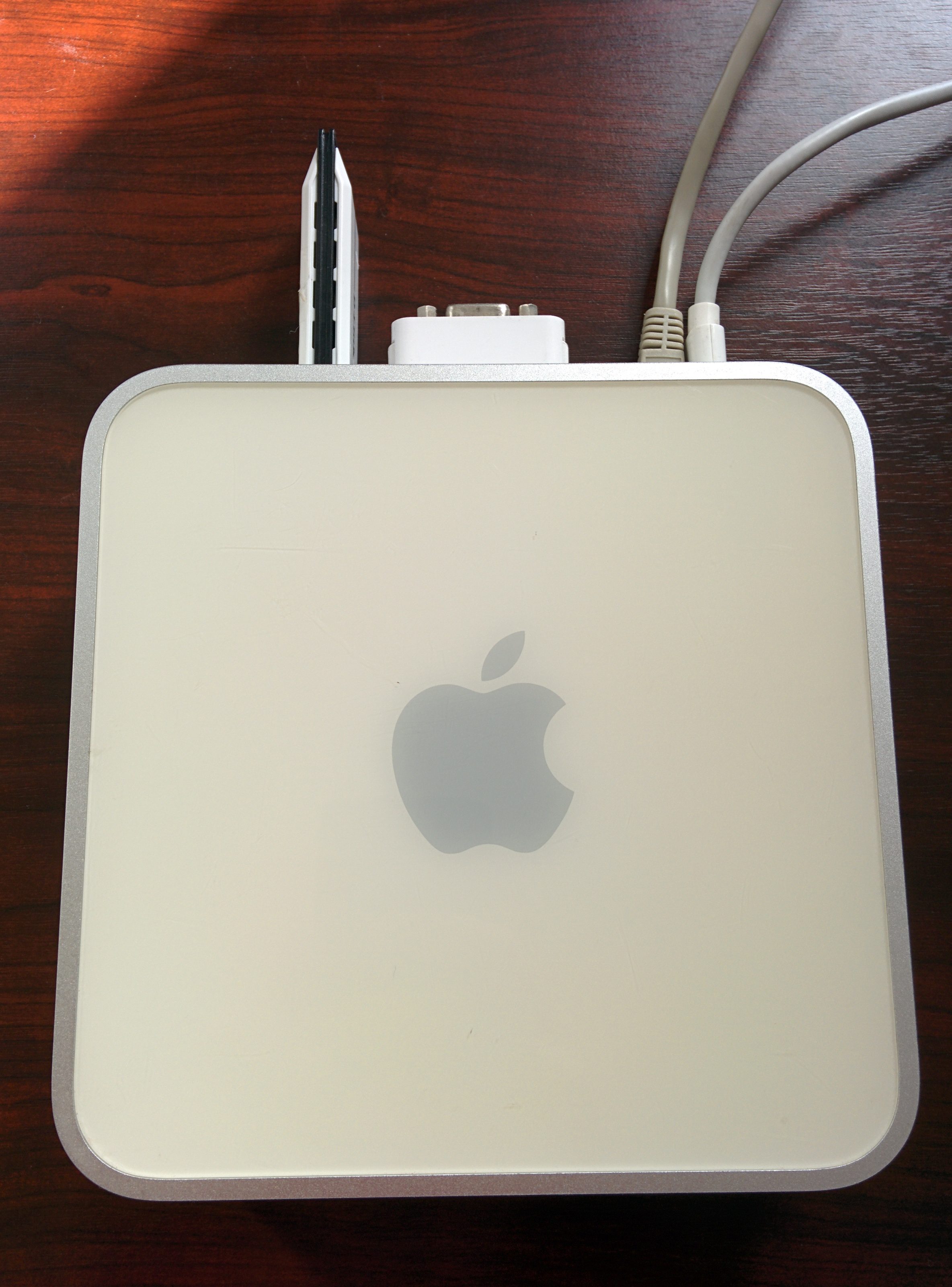
I’m selling a Mac Mini 1.5Ghz G4 (PowerPC) with 512Mb ram. It has a 80Gb disk in it (7200 rpm I believe, but not sure). It runs Linux like a charm, and is a perfect server (and WAY faster than a Raspberry Pi).

IMG_20140418_104714 IMG_20140418_104725

I believe the latest version to run was Mac OS X Tiger (10.4).

It comes with the power adapter, a DVI to VGA adapter, and in the picture below is the optional WiFi adapter.

Yard Sale: Macbook Pro (2007)

· Apple, Hardware

IMG_20140413_180303

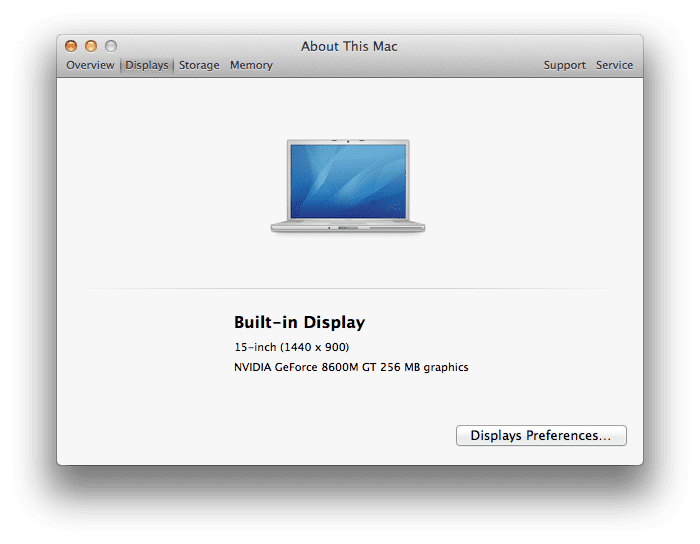
Selling my old Macbook Pro 15" (Glossy) (2007).

mbp1

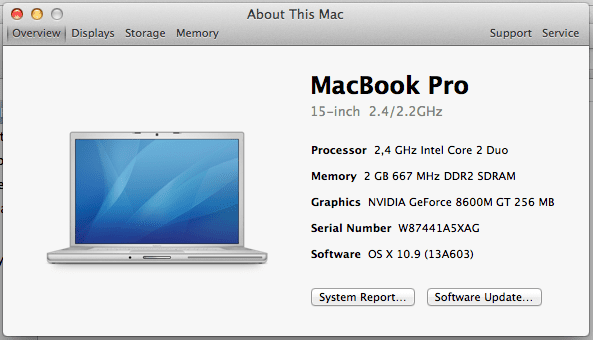
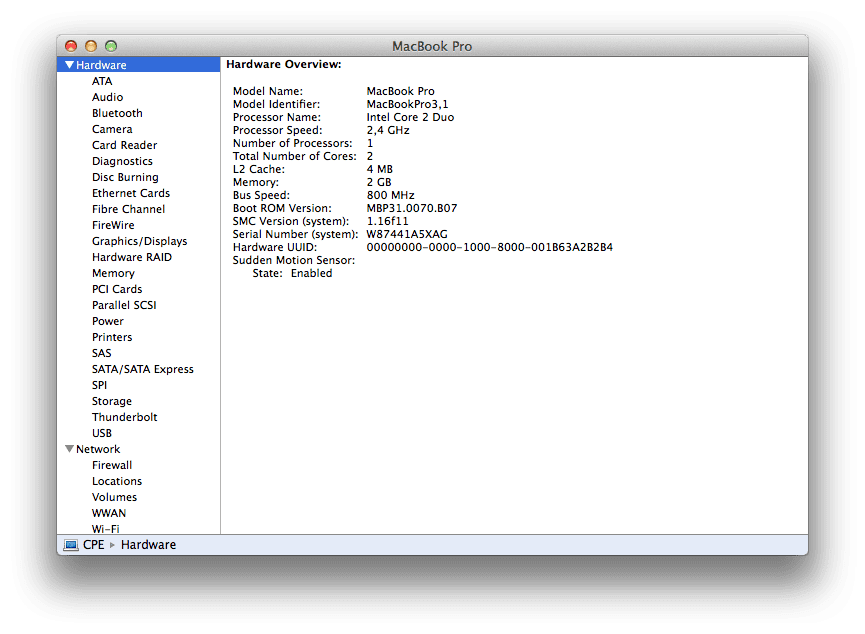
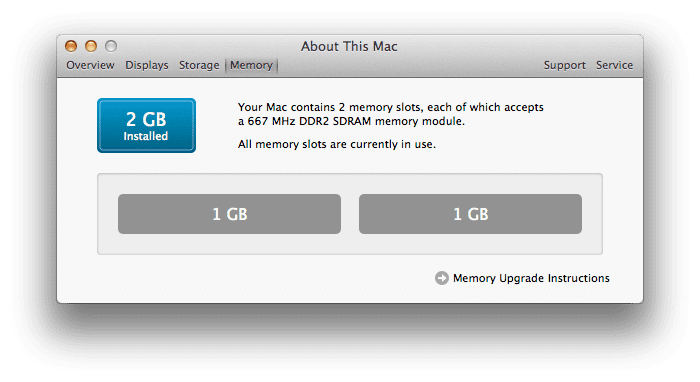
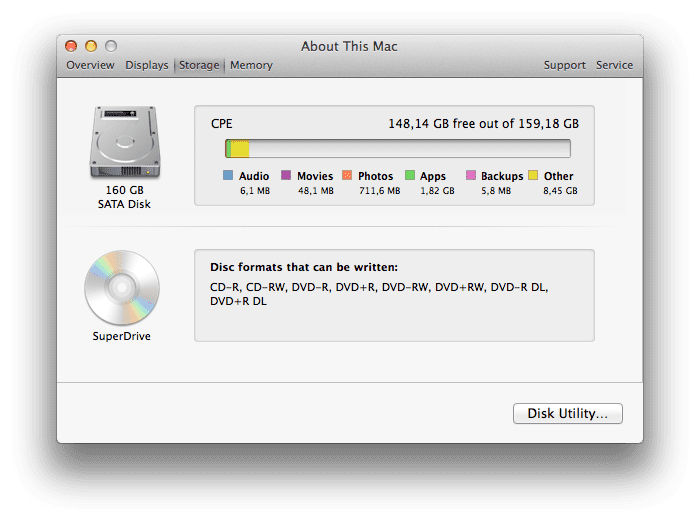
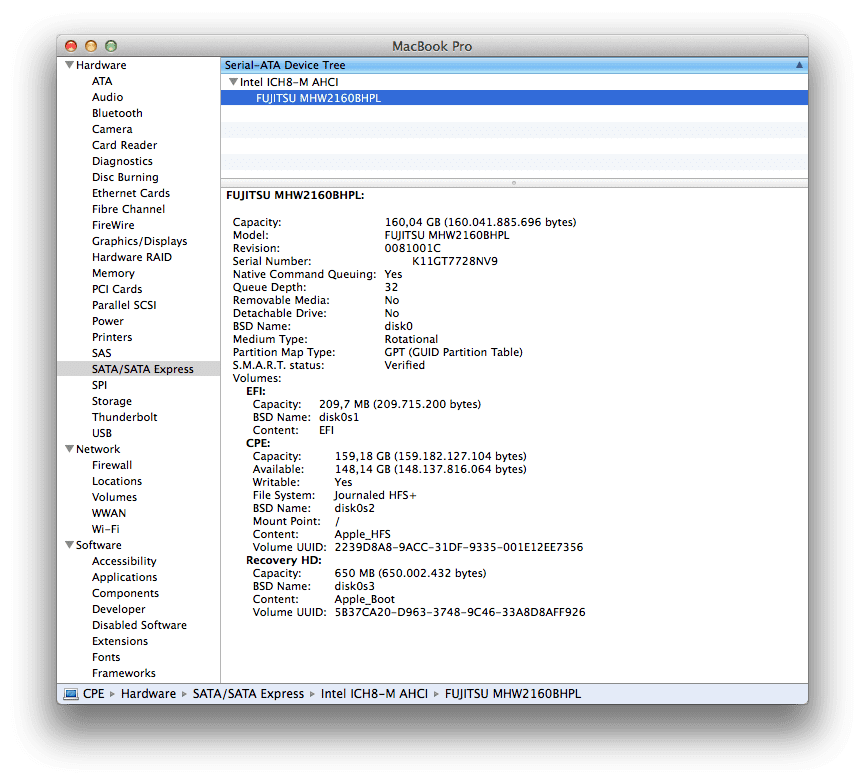
This is a 2.4 Ghz Intel Core 2 Duo device, with 2Gb RAM. It has a 160Gb SATA drive, spinning at 7200rpm. It’s an Azerty keyboard.

It’s currently running Mavericks (10.9.x).

The Macbook Pro is slightly scratched here and there from normal use. The battery got replaced about 2 years ago (it’s still a removable battery). The right speaker sometimes cracks a bit and the DVD RW has trouble reading rewrite-able media and too modern CDs/DVDs (audio CDs for example are fine) (known bug from this DVD reader).

Yard Sale: Macbook Air (2011)

· Apple, Hardware

This is the first of several things I’ll be getting rid of in the coming days/weeks.

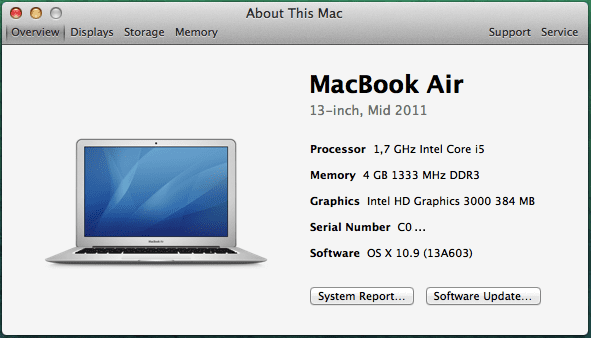
For sale: a Macbook Air 13" (2011), 4Gb RAM, 128Gb SSD, QWERTY (!).

mba

The MBA got acquired mid 2011 in Hong Kong by Candy.

Downside: the screen got cracked about a year ago during travel. After a couple of months it started to bleed, but has been stable now for over 6 months. Screen can be replaced for ~€400 at an Apple Repair Center or DIY for ~€100-200 via Alibaba.

Mac OS X Mavericks + VLC top bar

· Apple, Errors, Software

Mavericks, and its new "multi display support" adds a grey-ish bar to the top of VLC when watching anything full screen.

VLC-fullscreen-header

I never found a way to get rid of it, and it has annoyed me ever since. Until yesterday...

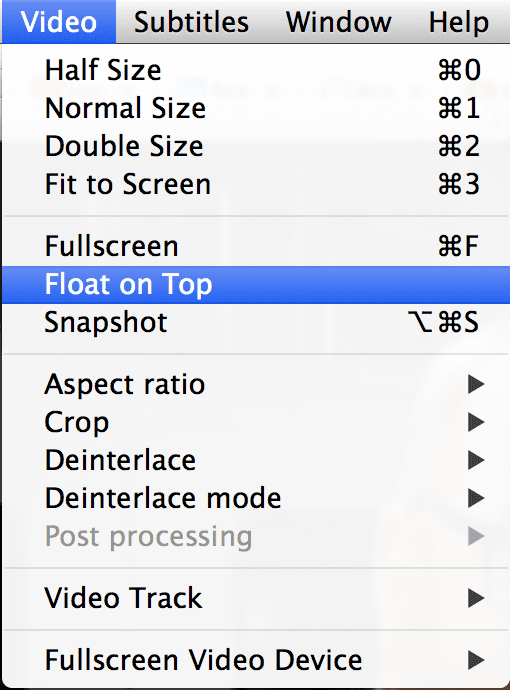
This is how to get rid of it:

  1. play movie
  2. drag to 2nd screen
  3. click Video > Float on Top
  4. go full screen (cmd+F or Video > Fullscreen)

float-that-shit

Macbook Air vs Macbook Pro vs older Macbook Pro(s)

· Apple

So, I had to migrate from a Pro to an Air a few weeks ago. My Macbook got repaired (out of warranty, for 600ish damn euro) and I sold it. I waited for the new line of Macbooks and ordered myself a new one. I picked the Retina version.

Just as with my previous Macbook Pro, I went for overkill in the hope to keep it as long as possible.

Except for a faulty GPU, my previous Mac was actually still very capable, and I would not have thought about getting rid of it any time soon. It was still smooth and blazing fast. I had quite some bad experience with my first Macbook Pro (see below, SATA and 2Gb RAM); that device was already crippled after a few weeks of usage. Annoyingly slow and laggish.
My new Macbook Pro arrived

· Apple

… Restoring from TimeMachine… 1 hour and 16 minutes remaining…

It took a weird route (Shanghai to Korea to Kazakhstan?!) but I finally got it. Yayyies.

ups

Later a blog post about what it's like to migrate from a Macbook Air to a Macbook Pro again.

Mac OS X: Mavericks causes CPU fan to run at full speed

· Apple, Errors, Software

I’ve noticed that, after upgrading from Mountain Lion to Mavericks on my borrowed MBA, my fan was running a lot… and loudly. As in, moving my mouse caused the fan to run at full speed.

I tried rebooting (and unchecking “reopen apps at startup”), which helped for about 5 minutes.

I tried closing down apps (which helped; especially keeping Mail closed helped a lot). But even watching a YouTube or playing Music on Google Music caused the CPU fan to start spinning way louder than before.

Macbook Air vs Macbook Pro

· Apple, Hardware

While my 2010 Macbook Pro is at the Apple Repair shop for a (most likely) faulty GPU I borrowed a Macbook Air from Christophe. These are my random thoughts about it:

  • It's light. Very light. My bag is now too big and I can barely feel it hanging at my shoulder.
  • It's light. Very light. I used to, when moving around (for example when testing WiFi, changing desks, going to a meeting, etc), jungle my Macbook Pro on one hand, with the display open and everything, and it would stay on my three or four fingers very nicely. With the Air, I can't just move around like this as even the wind/air might knock it off my hand. Paper aeroplane comes into my mind.
  • The CPU is somewhere near the letters 1-2-3-A-Z-E-Q-S (Azerty keyboard). I tend to let my fingers rest between the keys on the bare metal. This can get quite hot. I have never noticed this with the MBP.
  • The keyboard of the Air is better. Smoother. More fun to hit. Nicer muffled sound. Hard to explain. Perhaps also because this keyboard hasn't been used as often.
  • It stills seems ... breakable. Not as robust.
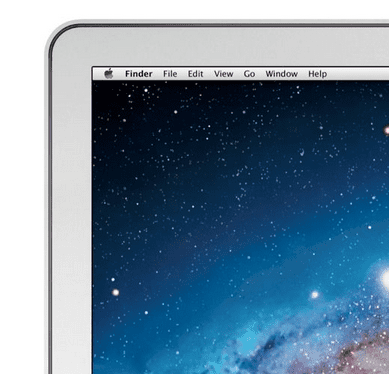
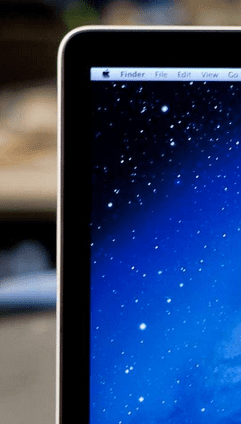
  • I don't like the bezel. WHY APPLE WHY? It's metal instead of the nicer black glass that covers everything.

bezel-air  bezel-mbp