Where to fly your drone
Now that I own a DJI Spark …
Singapore: flywhere.sg.
World (not very detailed): foxnomad.com/2017/07/25/map-shows-drone-laws-every-country-world-updated-regularly
And also embedded here:
119 posts in Hardware
Now that I own a DJI Spark …
Singapore: flywhere.sg.
World (not very detailed): foxnomad.com/2017/07/25/map-shows-drone-laws-every-country-world-updated-regularly
And also embedded here:
So, I have an EdgeRouter Lite in Singapore (Starhub) and a FritzBox in Belgium (EDPnet).
This is mostly stuff that I have found from several articles, mostly from here.
ERL: eth0 is WAN, eth1 (10.60.111.0/24) and eth2 (unused, not VPN’ed) are LAN FritzBoz: 192.168.1.0/24
This is the FritzBox config (go to VPN and them Import a config) fritzvpn.cfg:
vpncfg {
        connections {
                enabled = yes;
                conn_type = conntype_lan;
                name = "VPN Yeri";
                always_renew = yes;
                reject_not_encrypted = no;
                dont_filter_netbios = yes;
                localip = 0.0.0.0;
                local_virtualip = 0.0.0.0;
                remoteip = 0.0.0.0;
                remote_virtualip = 0.0.0.0;
                remotehostname = "erl.yeri.be";
                localid {
                        fqdn = "fritz.yeri.be";
                }
                remoteid {
                        fqdn = "erl.yeri.be";
                }
                mode = phase1_mode_idp;
                phase1ss = "all/all/all";
                keytype = connkeytype_pre_shared;
                key = "SOMEPASSWORD";
                cert_do_server_auth = no;
                use_nat_t = yes;
                use_xauth = no;
                use_cfgmode = no;
                phase2localid {
                        ipnet {
                                ipaddr = 192.168.1.0;
                                mask = 255.255.255.0;
                        }
                }
                phase2remoteid {
                        ipnet {
                                ipaddr = 10.60.111.0;
                                mask = 255.255.255.0;
                        }
                }
                phase2ss = "esp-all-all/ah-none/comp-all/pfs";
                accesslist = "permit ip any 10.60.111.0 255.255.255.0";
        }
        ike_forward_rules = "udp 0.0.0.0:500 0.0.0.0:500",
                            "udp 0.0.0.0:4500 0.0.0.0:4500";
}
Be sure to modify the password, local (Fritz) and remote (ERL) LAN and edit the local and remote fqdn.
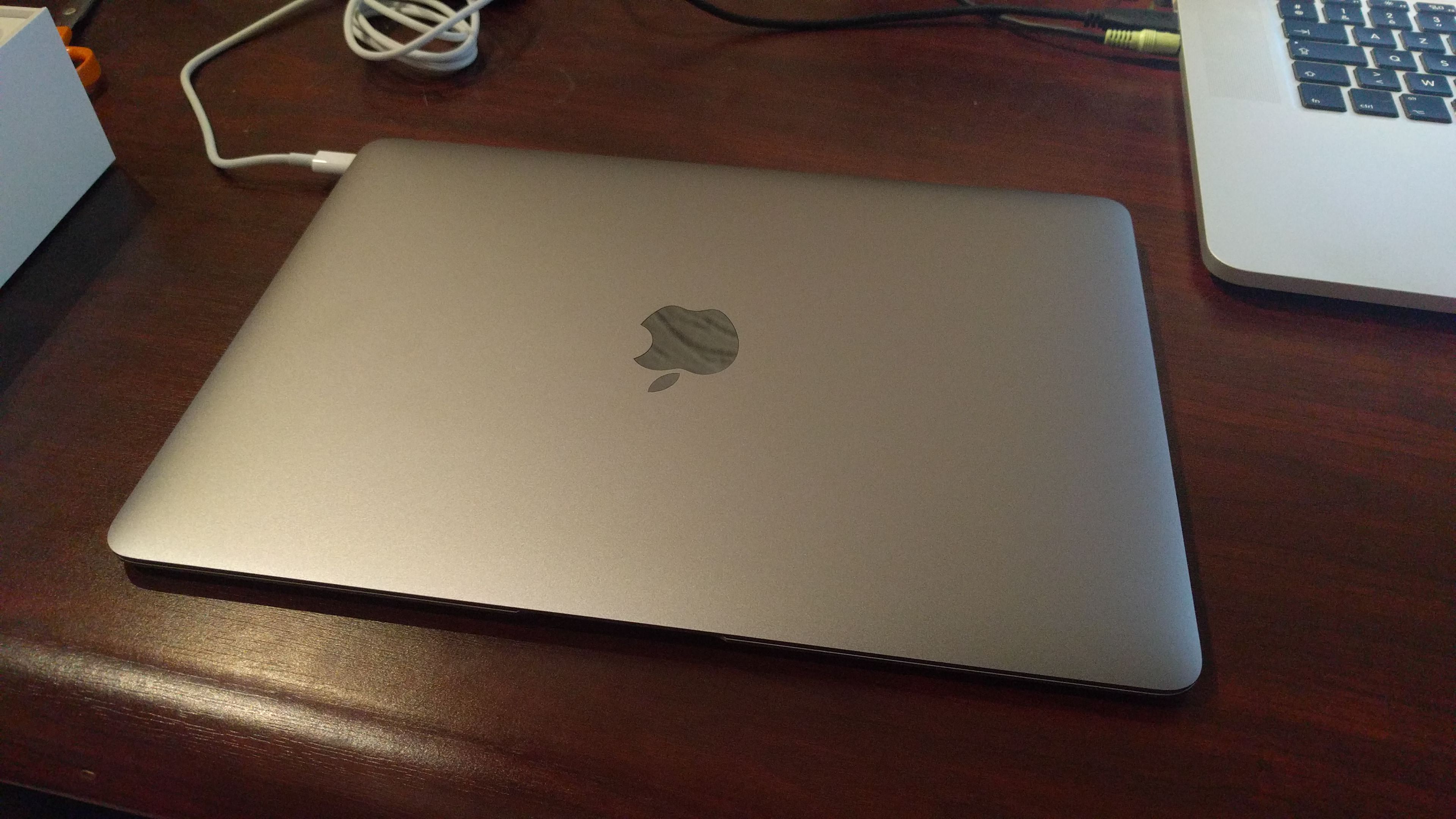
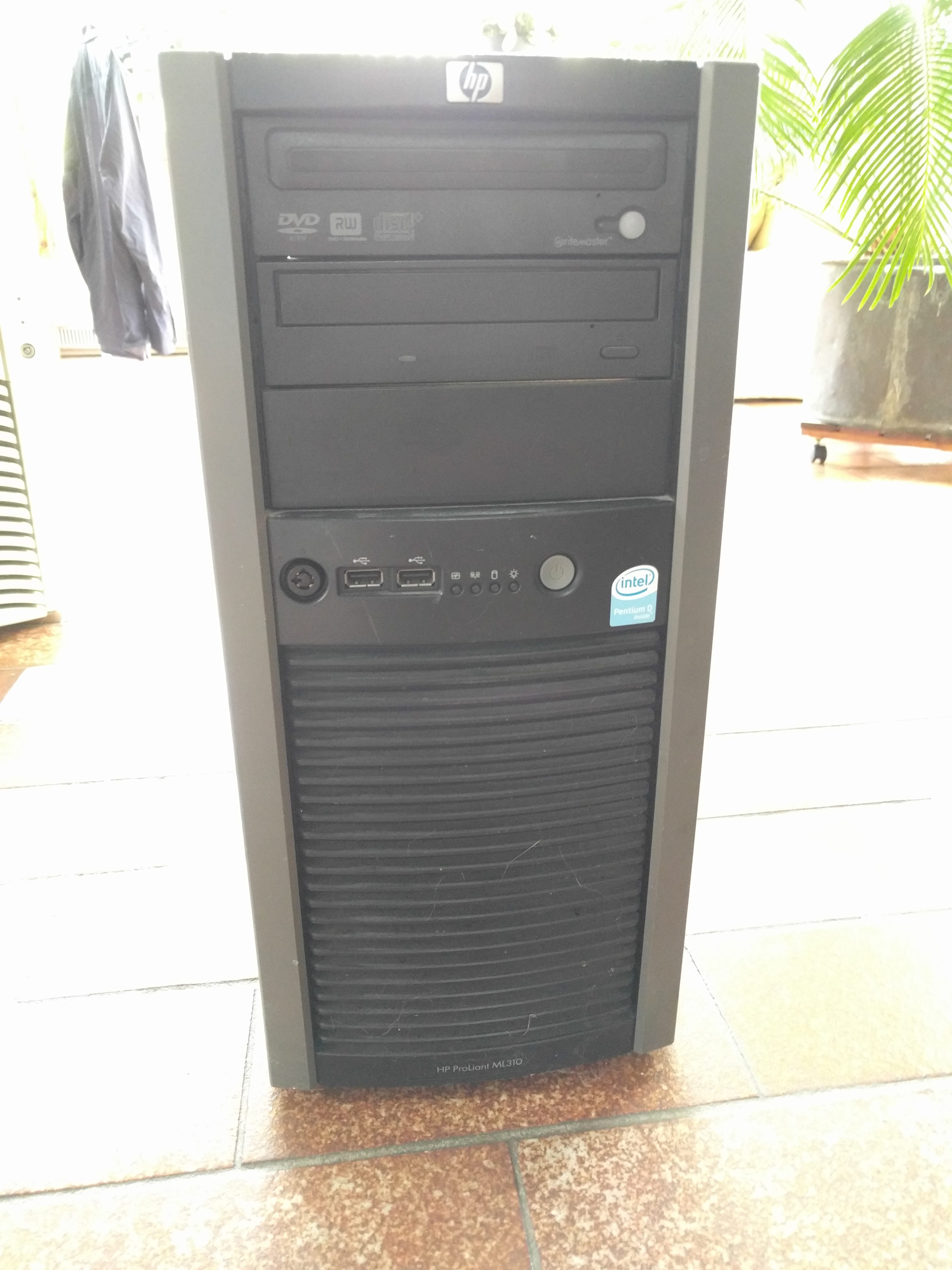
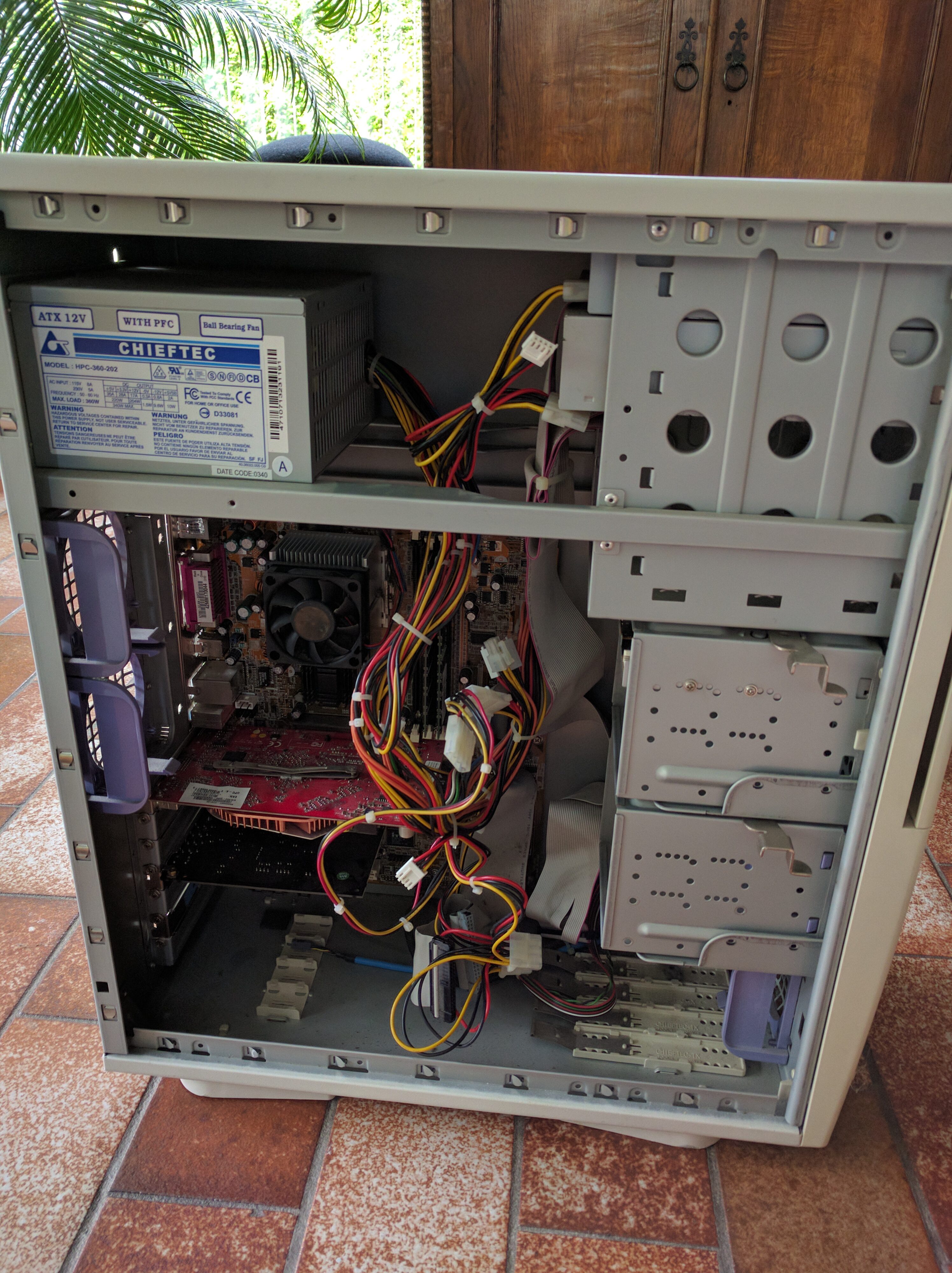
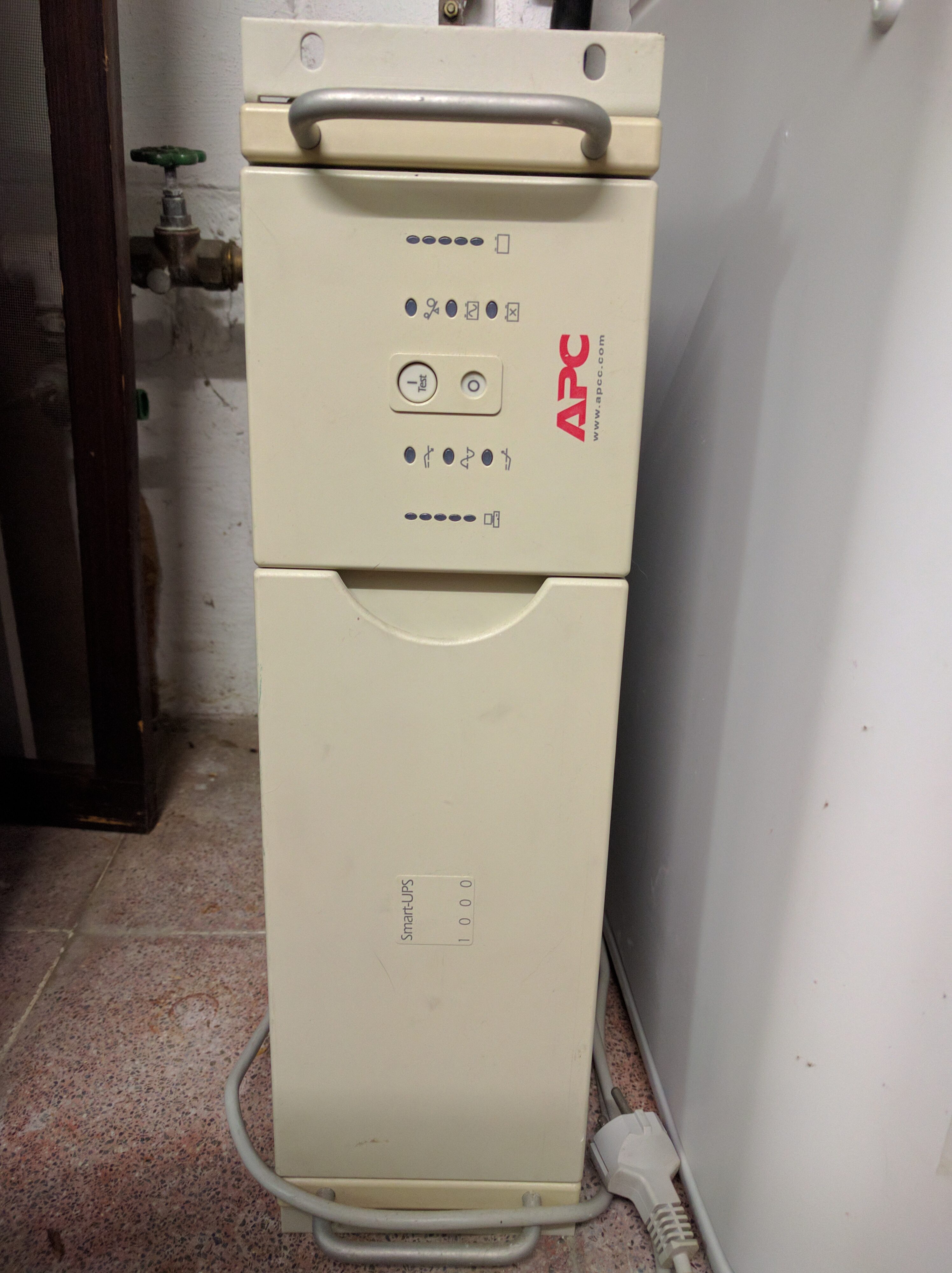
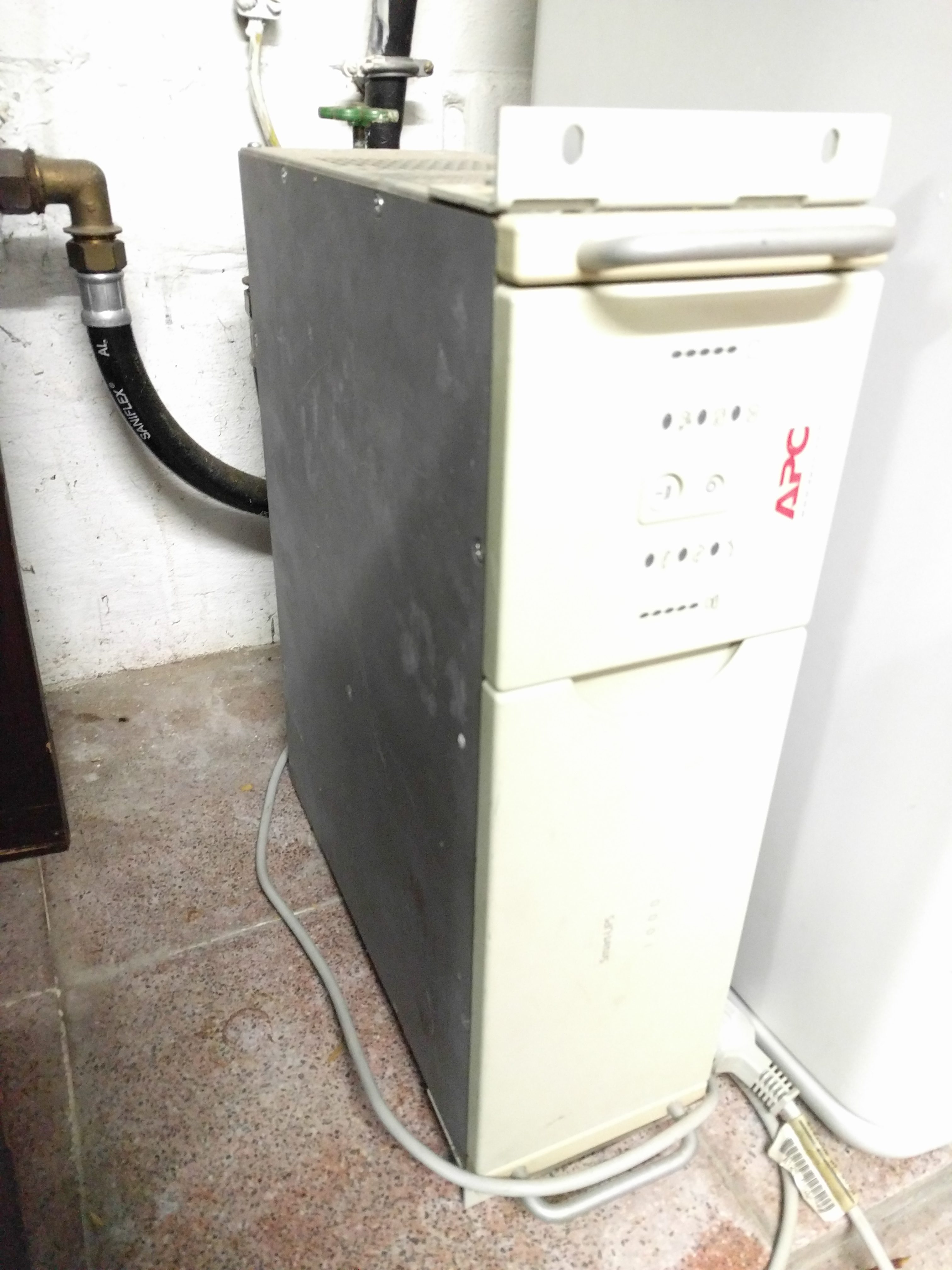
For sale due to getting a portable Macbook:
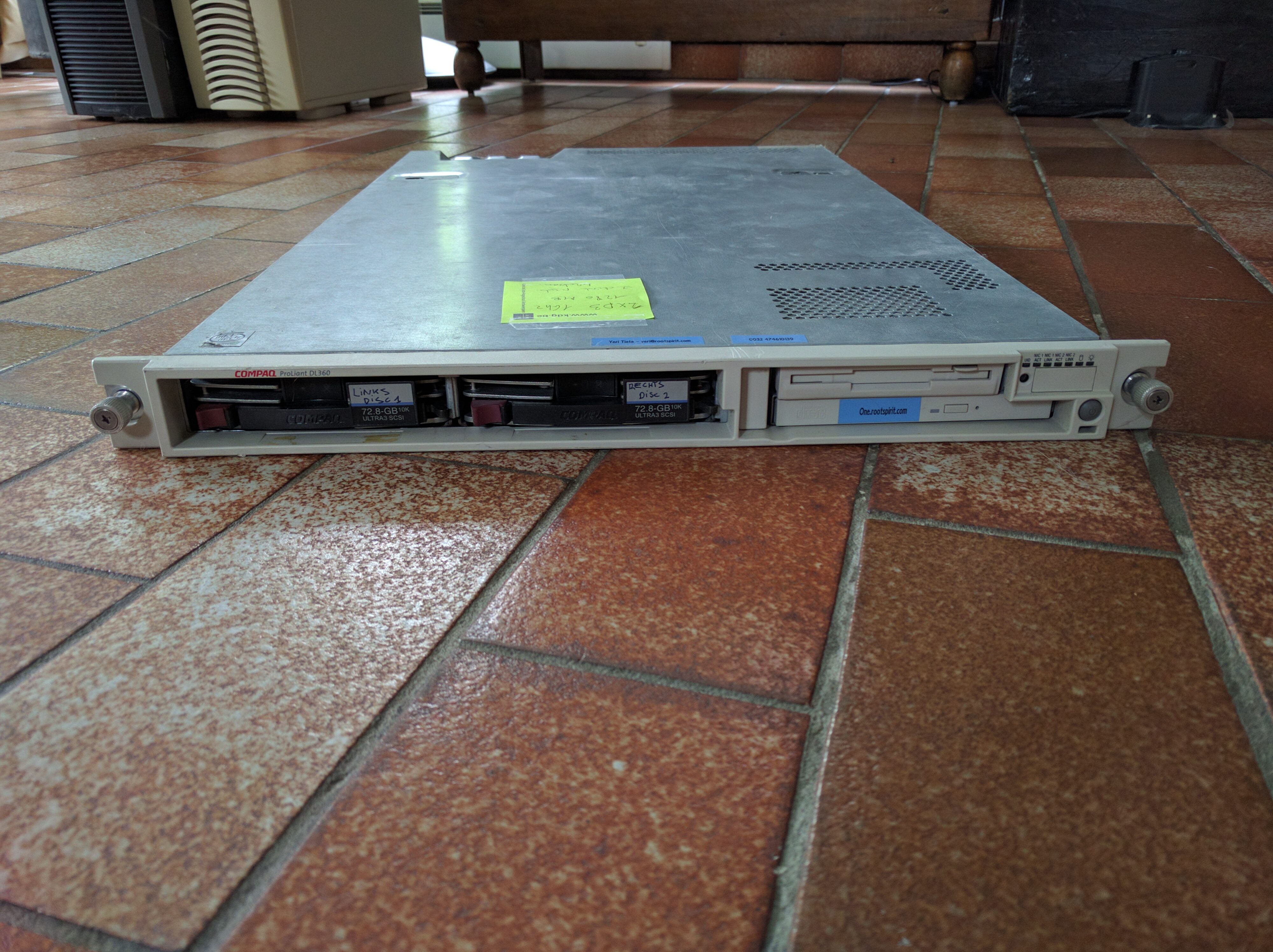
Specs:
Email: yeri+sale@tiete.be
Free pick up in Grimbergen, Diegem or Brussels North.
Email: yeri+sale@tiete.be
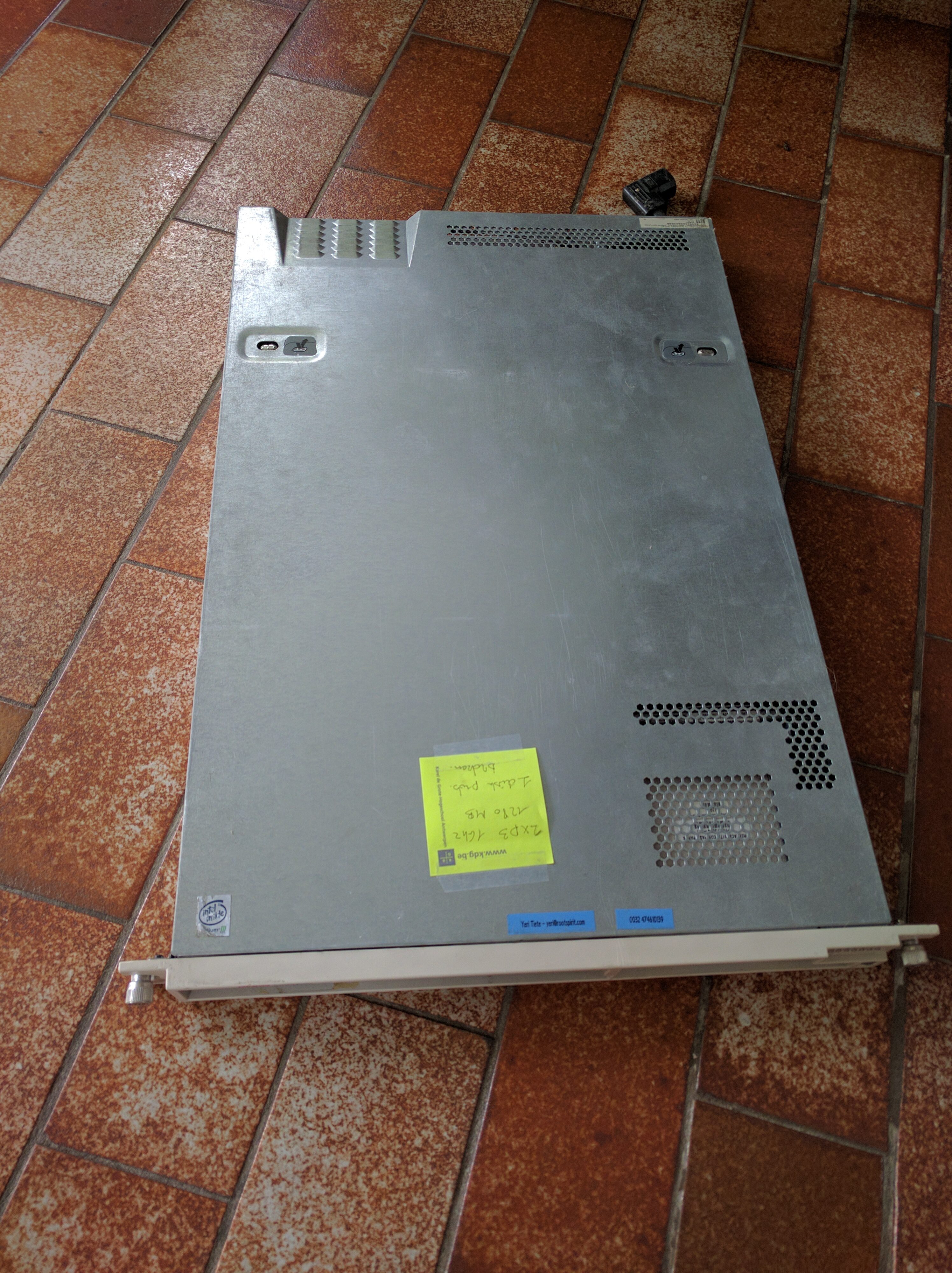
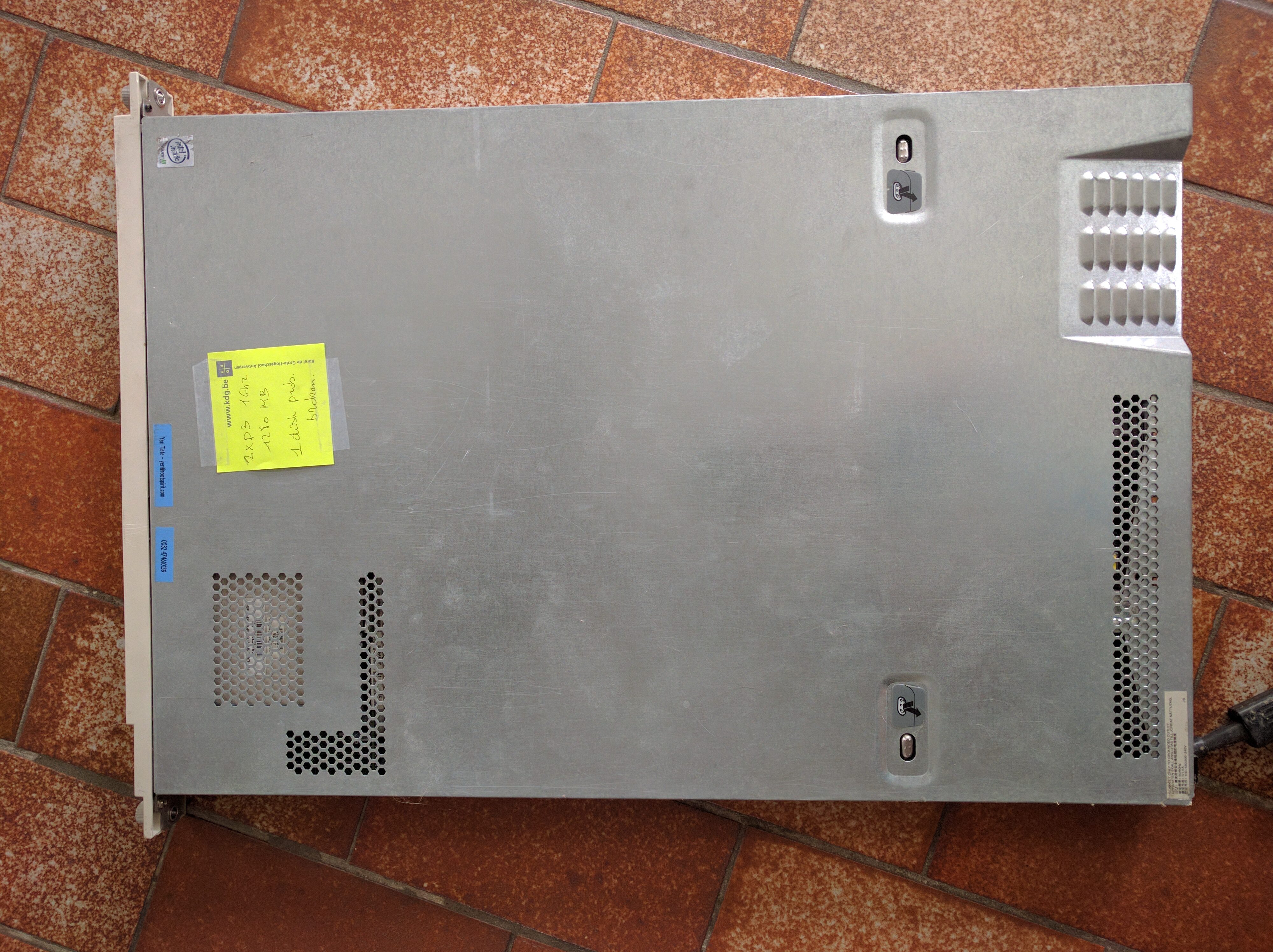
Everything has been stored for a while in my garage and is untested.


I had a Nexus 5 stuck in a boot loop (Android logo/animation in a loop, not actually booting).
This is what I think I've done to fix the issue. It seemed that /persist partition was corrupt. I tried a factory reset, flash new stock images, and clear cache, etc before trying the following.
Note that I managed to boot Android 4.4, but nothing else; it did throw a shit load of errors though (Google Play crashes, etc).