Google

47 posts in Google

Nexus 4: Red light of death

· errors, google, hardware

On Thursday night I used my Nexus 4 as GPS (as I always do – it’s my main navigation device, so Google, please bring back a usable navigation app pretty plx!) to drive from Brussels to Antwerp (~40 minutes).

I had about 60% of battery left when I turned on the GPS. I tend to recharge my battery every night. It’s times like these I usually just use the GPS without using the car charger. I don’t mind my phone being at 10 or 20% when I arrive home, late at night, as it will be charged overnight anyway.
Random reboots of Galaxy Nexus

· errors, google, software

Since I moved to Antwerp, in a high building apparently made out of the thickest steel they could find (> My wifi signal barely passes the internal walls, and I’m pretty much unable to make a decent cell phone call) my Galaxy Nexus has been behaving oddly.

It started during the night of the press conf when I was catching up on my mails when I got home of a whiskey tasting evening/“apps for whiskey” event.

Android 4.1 IMAP + stock mail bug

· errors, google, software

On 4.1 (yes, I’m lagging behind with my blog posts) something rather funky happened. And it took my 7 days to notice.

My phone was running hotter and battery life was suddenly crappier than usual. But not really paying attention, until my cell provider (Proximus) texted me I was over my data consumption limit…

As it was the beginning of the month, so that was unusual. I checked data usage in settings, and noticed ~7Gb of traffic by mail app over WiFi and ~3Gb over mobile data.

Laggy Android 4.2 on Galaxy Nexus? Kill Currents!

· errors, google

I updated to 4.2. Then I wanted a new phone.

4.2.1 came. It solved 5% of the lagginess.

However, it was still unbearably slow. With 4.1 I had an amazing phone, 4.2 made me want to shoot it.

But after 4ish weeks I found something out… Go to Settings and then Sync, click the Google account(s). Disable Google Currents syncing.

Enjoy. You might want to reboot to be sure, but for me this brought my phone back. It’s not perfect, it’s still a bit slowish, but it’s a lot better!

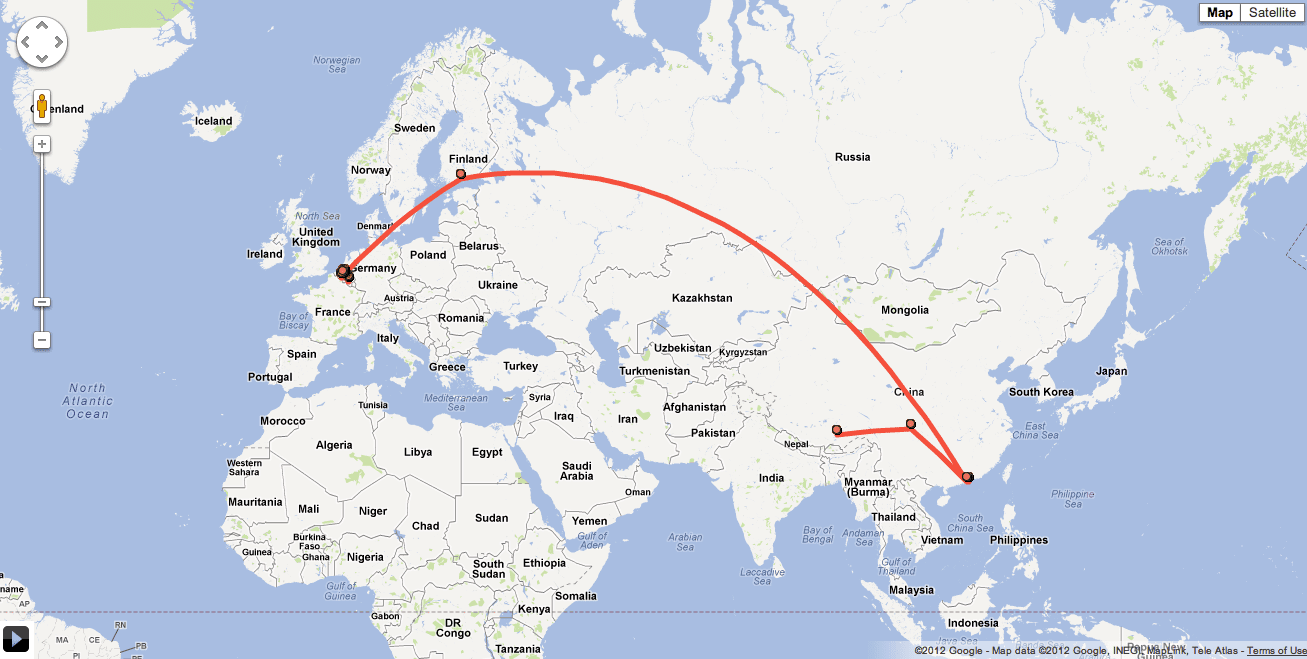
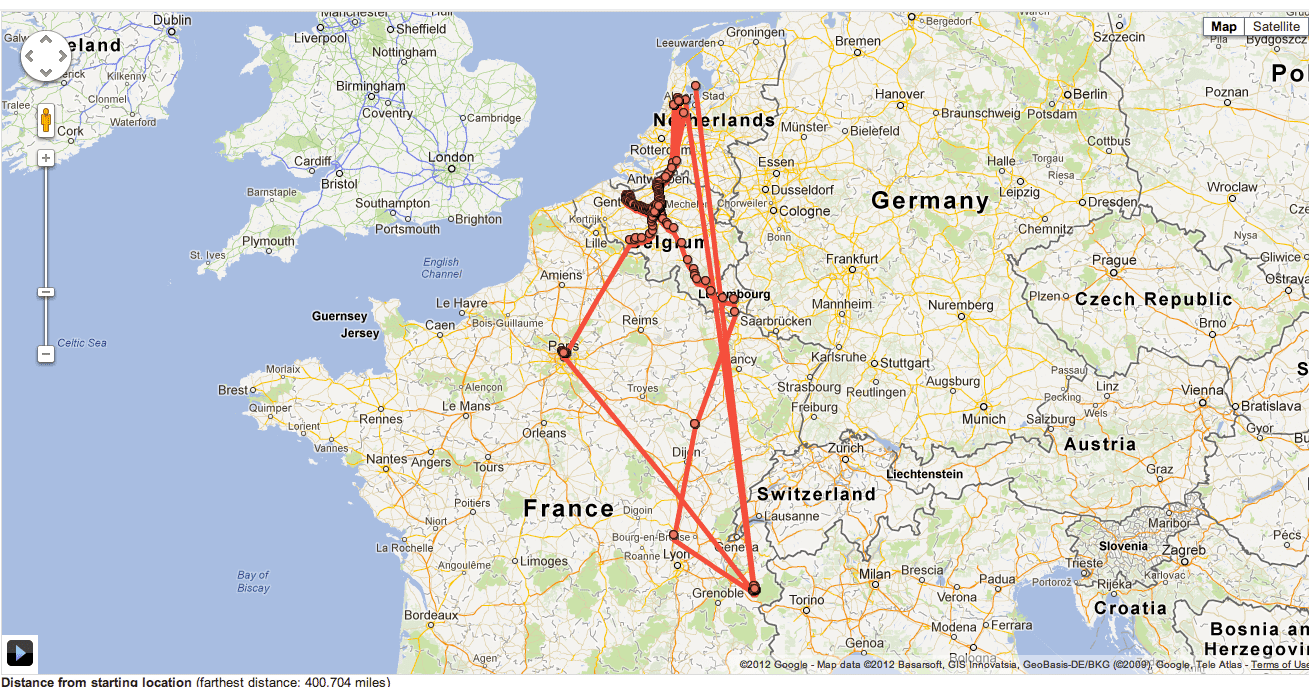
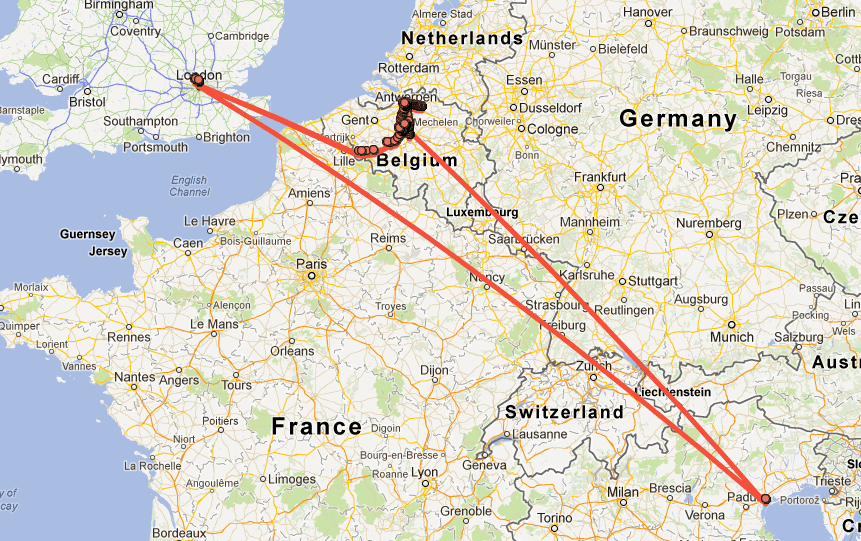
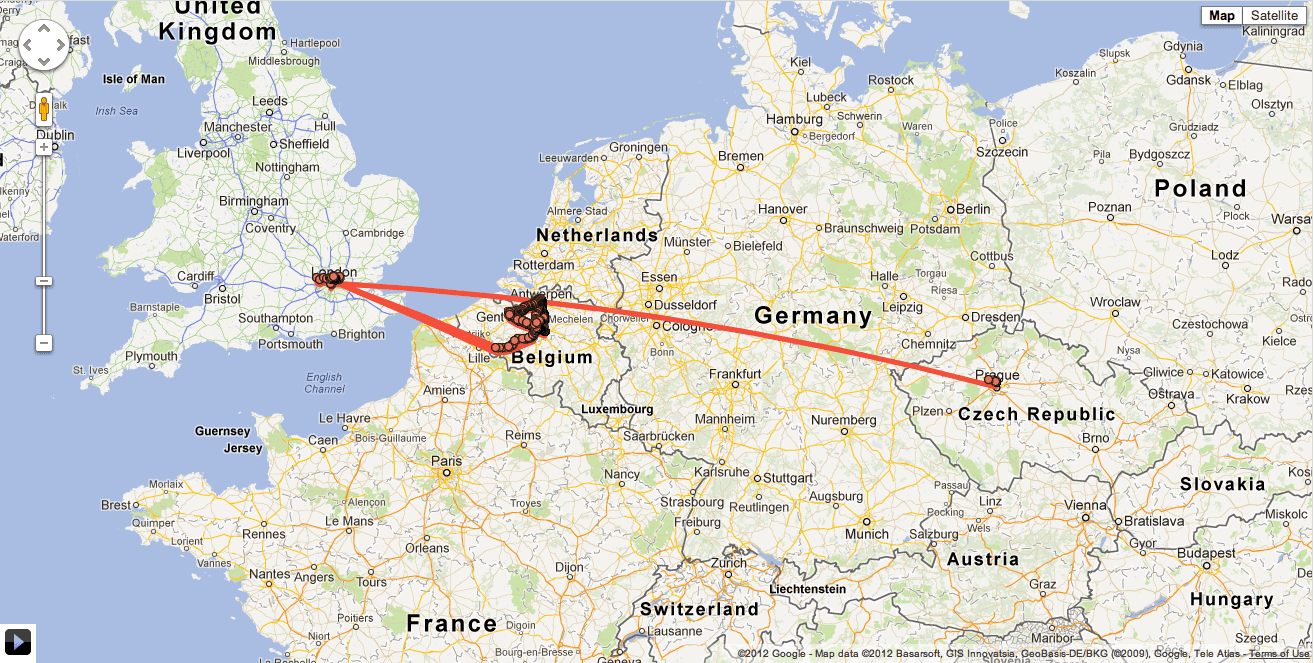
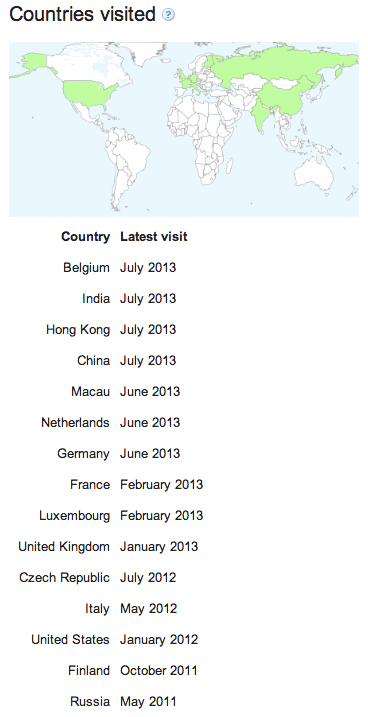
Latitude in 30 days views

· google, travel

Latitude rocks (although it contains some errors here & there).


Country Latest visit
Belgium August 2012
United Kingdom July 2012
Czech Republic July 2012
Luxembourg May 2012
Italy May 2012
Netherlands March 2012
France March 2012
Germany January 2012
United States January 2012
Finland October 2011
Hong Kong October 2011
China October 2011
Russia May 2011

Use Google.com instead of .be in Chrome

· google, software

Why?

  • Google.be lags on new features
  • no +1 in .be
  • no social integration
  • no instant search
  • probably a million other experiments that run on .com but not on .be
  • The black-bar is entirely different on .be, don't know why
  • Better G+ integration, not that I would ever use it
  • .be lagged on https as well, and I'm a https fan.
How?

In Chrome: surf to settings > Manage search engines.

Then either delete the default one:

Greatly increase Chrome performance

· google, software

Using experiments.

My Chrome version: 19.0.1084.52 (mac)

Surf to: chrome://flags/

I enabled following flags, and so far it’s still working great:

  • Threaded compositing Mac, Windows, Linux, Chrome OS
  • GPU Accelerated SVG and CSS Filters Mac, Windows, Linux, Chrome OS
  • HTTP Pipelining Mac, Windows, Linux, Chrome OS
  • Built-in Asynchronous DNS Mac, Windows, Linux, Chrome OS
Pipelining requires a somewhat more decent internet connection (as in, don't use it while on EDGE on the train).

There are a bunch of other cool experiments to play with, and be sure to check it out after every major Chrome update.