Networking

110 posts in Networking

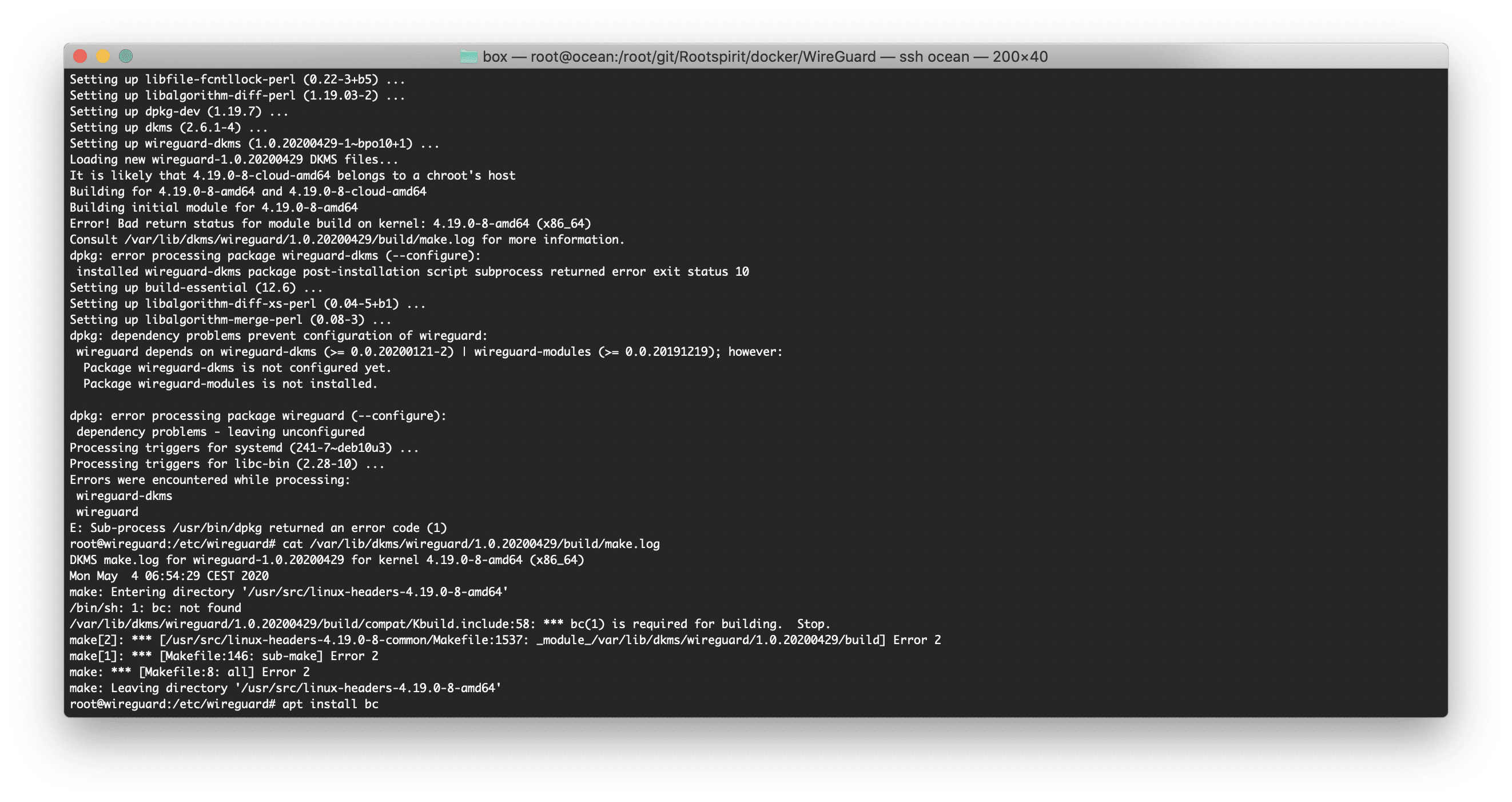
Error! Bad return status for module build on kernel: 4.19.0-8-amd64 (x86_64)

· Linux, Networking, Software

I was rebuilding my WireGuard Docker container today and this error started popping up:

Setting up dkms (2.6.1-4) ...
Setting up wireguard-dkms (1.0.20200429-1~bpo10+1) ...
Loading new wireguard-1.0.20200429 DKMS files...
It is likely that 4.19.0-8-cloud-amd64 belongs to a chroot's host
Building for 4.19.0-8-amd64 and 4.19.0-8-cloud-amd64
Building initial module for 4.19.0-8-amd64
Error! Bad return status for module build on kernel: 4.19.0-8-amd64 (x86_64)
Consult /var/lib/dkms/wireguard/1.0.20200429/build/make.log for more information.
dpkg: error processing package wireguard-dkms (--configure):
 installed wireguard-dkms package post-installation script subprocess returned error exit status 10
Setting up build-essential (12.6) ...
Setting up libalgorithm-diff-xs-perl (0.04-5+b1) ...
Setting up libalgorithm-merge-perl (0.08-3) ...
dpkg: dependency problems prevent configuration of wireguard:
 wireguard depends on wireguard-dkms (>= 0.0.20200121-2) | wireguard-modules (>= 0.0.20191219); however:
  Package wireguard-dkms is not configured yet.
  Package wireguard-modules is not installed.

dpkg: error processing package wireguard (--configure):
 dependency problems - leaving unconfigured
Processing triggers for systemd (241-7~deb10u3) ...
Processing triggers for libc-bin (2.28-10) ...
Errors were encountered while processing:
 wireguard-dkms
 wireguard
E: Sub-process /usr/bin/dpkg returned an error code (1)

The solution was to install bc. Seems like Debian is not pulling the right dependencies. I'll be adding it to my Dockerfile.

WireGuard

· Linux, Networking, Software

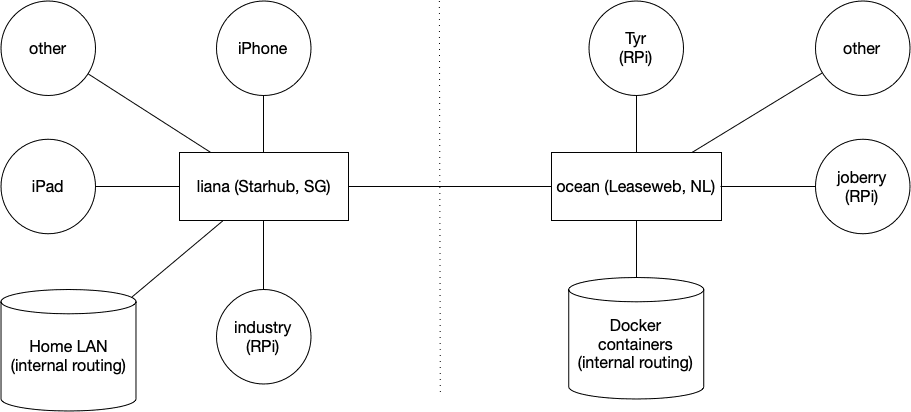
This is the first post of several. Next posts will focus on running WireGuard inside a Docker container on amd64 Linux and a Raspberry Pi.

I've been running WireGuard for a few months now and I've been loving it.

I first started using it about a year ago when in China — OpenVPN was once again being actively blocked and it was driving me nuts. Overnight I set up a DigitalOcean server in Singapore and ran WireGuard from it — both my phone and laptop were able to actively bypass the GFW and (at that time) surf the internet freely once more. As WireGuard gains popularity, I am sure the GFW will start detecting it — it's a quiet but not a stealthy protocol.

Smokeping

· Linux, Networking

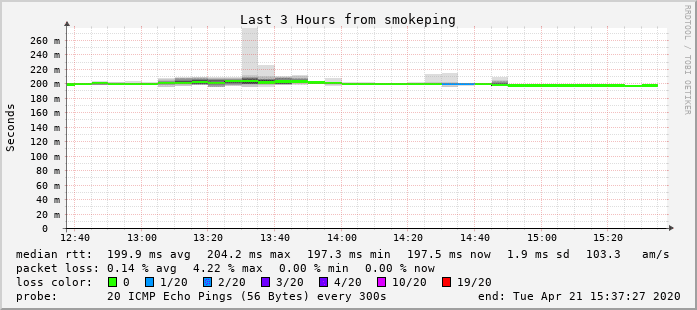
Back in the days -- when I was 16 or so -- Smokeping was the rage. Every colo provider in Amsterdam, every NOC, they all had their own Smokeping.

Playing around with Docker I saw some Smokeping image and that made me want to set it up again.

I'm running Smokeping on my server in Amsterdam (Leaseweb colo): smokeping.rootspirit.com.

Box — Docker shell server

· Apple, Linux, Networking, Software, Virtualisation

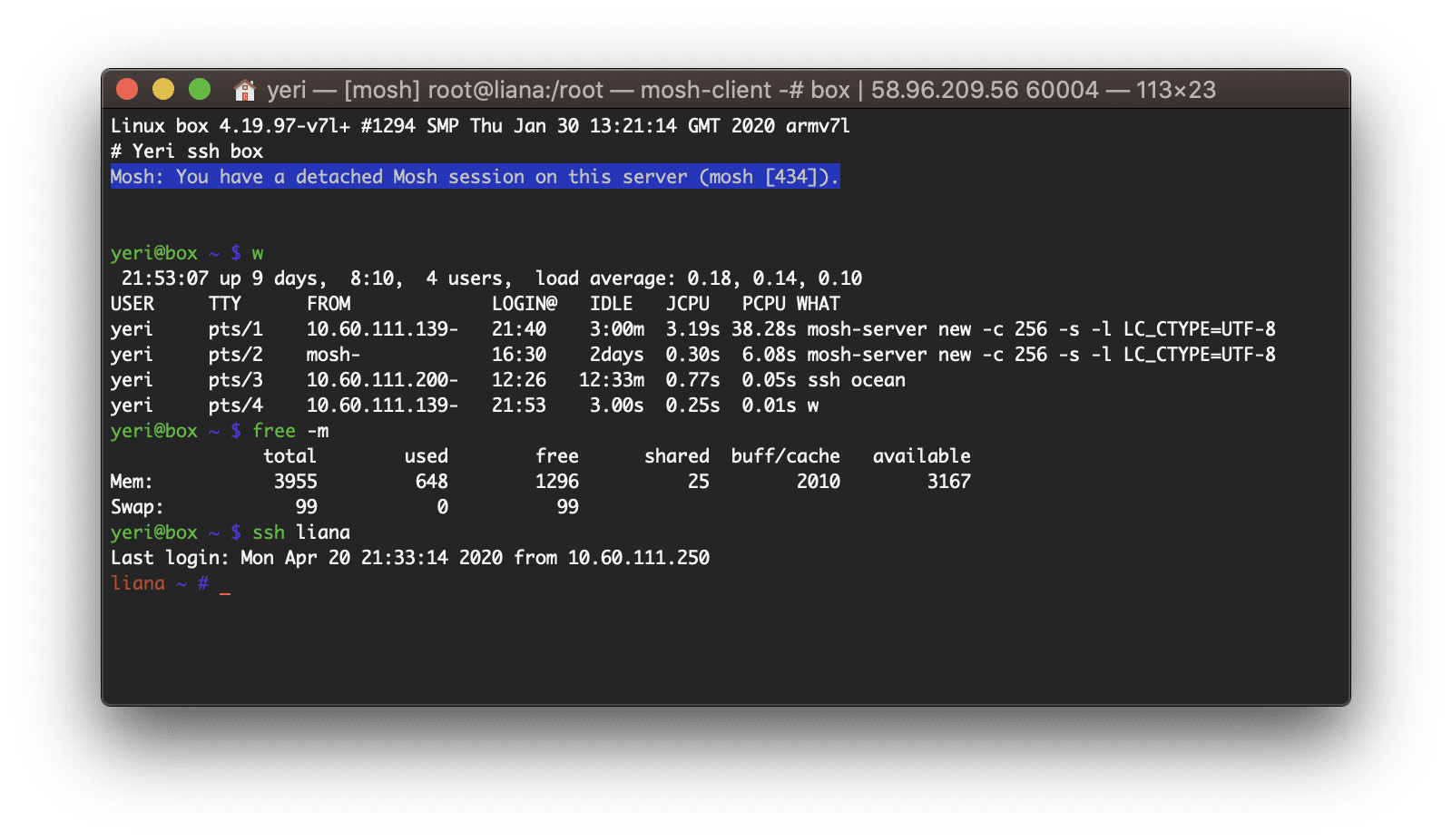
A couple of months ago I had the great idea to set up a shell server in Docker. Simply because my docker skillz were quite rusty and a shell server was something I actually genuinely needed.

Shell servers... so 2005. I remember in the good old IRC days people asking for (free) shell servers to run their eggdrop and stuff. OMG am I getting old? Anyhow...

NextDNS + EdgeRouter + Redirecting DNS requests

· Google, Linux, Networking

Realised I haven't updated this in a long while (life happened).

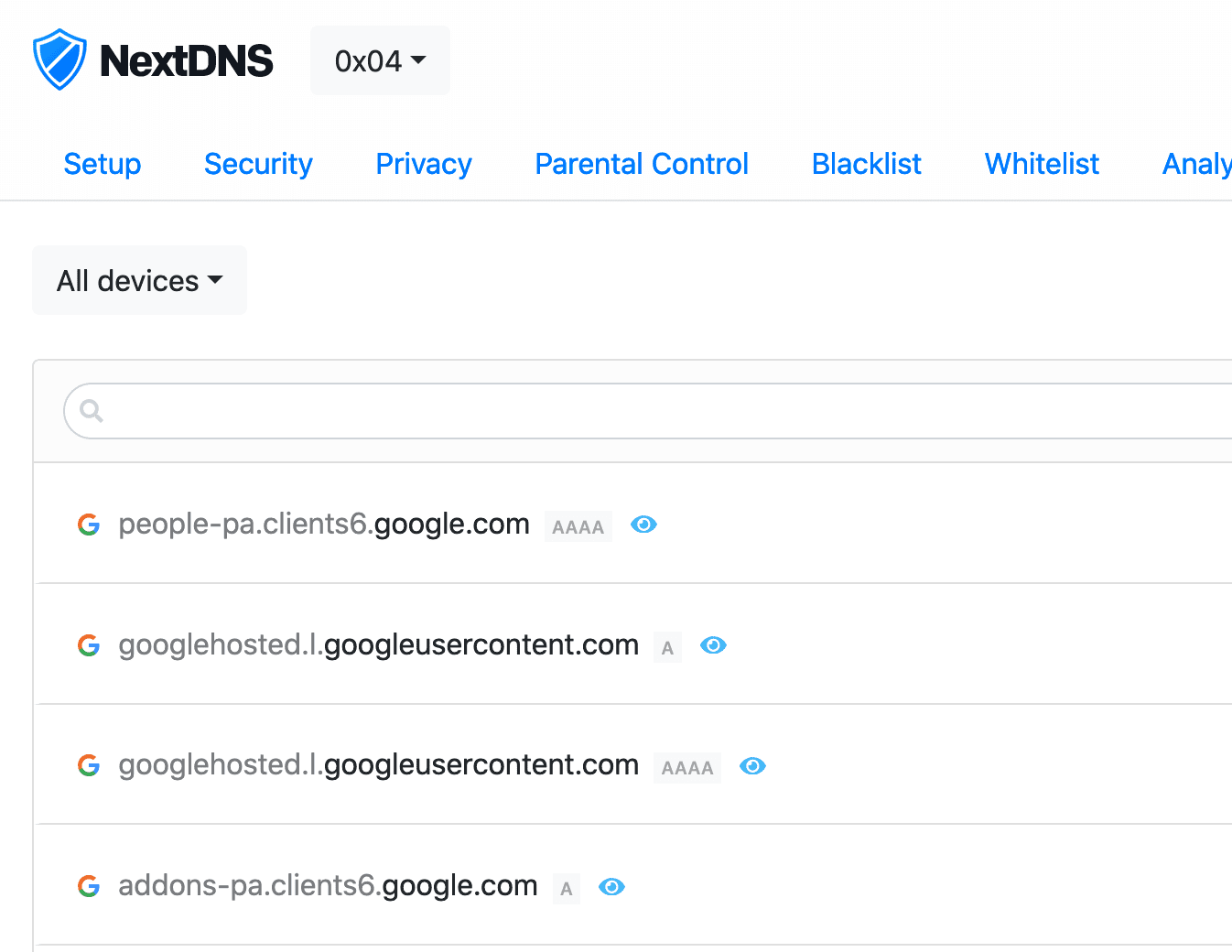
Couple of weeks ago I started to play with NextDNS -- and I really recommend anyone that's something privacy minded and cares about the stuff happening on their network.

I've set up several configs (home, parents, FlatTurtle TurtleBox (the NUCs controlling the screens)) and Servers. Once it's out of beta and better supported on Unifi and Ubiquiti hardware I might deploy it to our public WiFi (well, most access points don't look like that -- but you get the point) networks too.

Edgerouter IPsec tunnel to Fritzbox

· Hardware, Linux, Networking

So, I have an EdgeRouter Lite in Singapore (Starhub) and a FritzBox in Belgium (EDPnet).

This is mostly stuff that I have found from several articles, mostly from here.

ERL: eth0 is WAN, eth1 (10.60.111.0/24) and eth2 (unused, not VPN’ed) are LAN FritzBoz: 192.168.1.0/24

This is the FritzBox config (go to VPN and them Import a config) fritzvpn.cfg:

vpncfg {
        connections {
                enabled = yes;
                conn_type = conntype_lan;
                name = "VPN Yeri";
                always_renew = yes;
                reject_not_encrypted = no;
                dont_filter_netbios = yes;
                localip = 0.0.0.0;
                local_virtualip = 0.0.0.0;
                remoteip = 0.0.0.0;
                remote_virtualip = 0.0.0.0;
                remotehostname = "erl.yeri.be";
                localid {
                        fqdn = "fritz.yeri.be";
                }
                remoteid {
                        fqdn = "erl.yeri.be";
                }
                mode = phase1_mode_idp;
                phase1ss = "all/all/all";
                keytype = connkeytype_pre_shared;
                key = "SOMEPASSWORD";
                cert_do_server_auth = no;
                use_nat_t = yes;
                use_xauth = no;
                use_cfgmode = no;
                phase2localid {
                        ipnet {
                                ipaddr = 192.168.1.0;
                                mask = 255.255.255.0;
                        }
                }
                phase2remoteid {
                        ipnet {
                                ipaddr = 10.60.111.0;
                                mask = 255.255.255.0;
                        }
                }
                phase2ss = "esp-all-all/ah-none/comp-all/pfs";
                accesslist = "permit ip any 10.60.111.0 255.255.255.0";
        }
        ike_forward_rules = "udp 0.0.0.0:500 0.0.0.0:500", 
                            "udp 0.0.0.0:4500 0.0.0.0:4500";
}

Be sure to modify the password, local (Fritz) and remote (ERL) LAN and edit the local and remote fqdn.