Hardware

119 posts in Hardware

Selling: IGEPv2

· hardware

I’m selling my IGEPv2* board. Rarely used and works perfectly.

Selling because I could use some cash and I do not have the time (or any particular use) for it anymore. It was a dev project for a project of mine.

Contact: yeri+igep@tiete.be

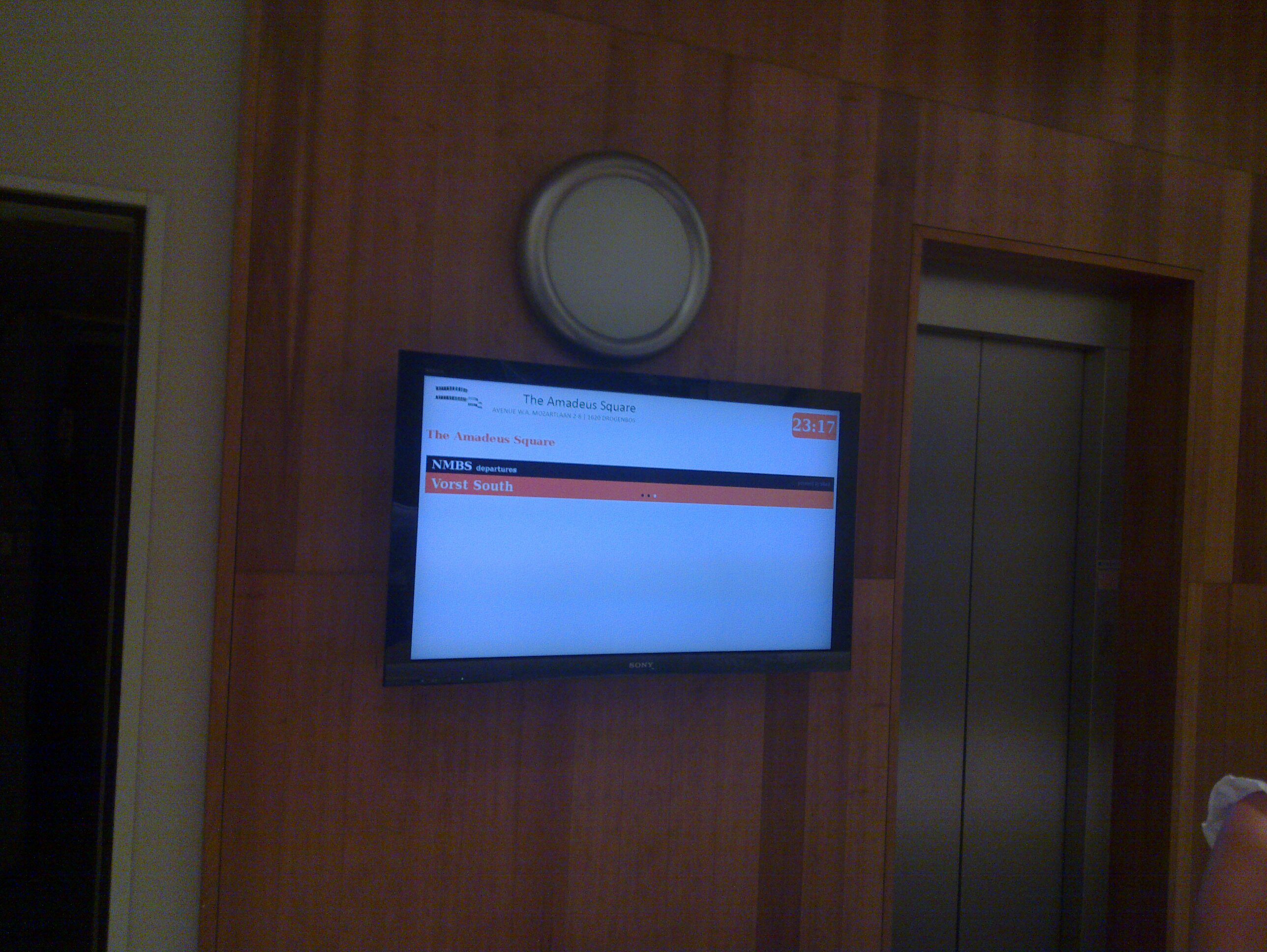
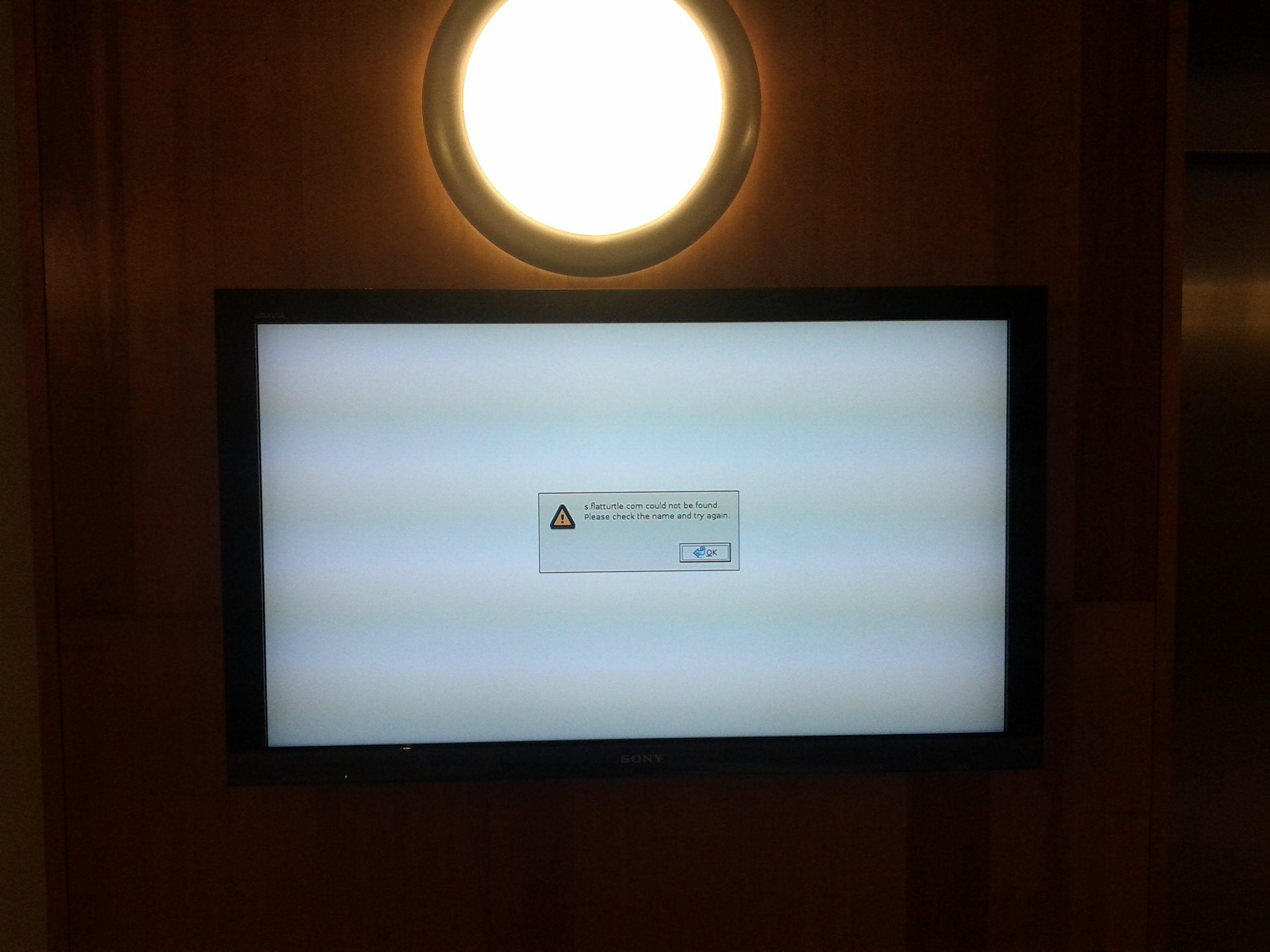
(*) seems like my Flickr plugin is broken. > pics here.

Xoom

· google, hardware, linux

I recently bought a Xoom, WiFi version.

This will be my short review about this Xoom.

First of all, this is a Xoom made solely for Google employees. It has the Google logo on it, and a green back side. As far as I know there is no public way to get the device with these colors,


Android

I received it the day Android 3.2 got released. First thing I did was upgrade from 3.0.1 to 3.1 and then to 3.2.

One

· hardware, linux

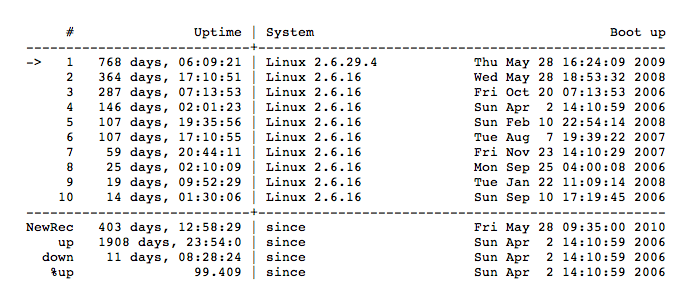
Oh lord. I seem to have entirely forgotten One’s, euh, uptime-day. (Yea, blame my business trips in Beijing & San Francisco for that).

But… Over 2 years! yay

Squid MRTG stats

· hardware, linux, misc, networking, software, www

I talked about MRTG stats for Squid in the past but apparently forgot to include the .mib file.

So, here it is. Download this file and put it in /usr/share/squid/mib.txt.

I don’t quite remember where I found that mib file. Probably included with Squid on Gentoo or the world wide web… But I couldn’t find it on Debian, so here it is. And be sure to add these lines to your Squid config:

MRTG and network interfaces

· hardware, linux, misc, networking, software, www

I tend to restart OpenVPN a lot due to config changes. As a result, this brings quite some issues to MRTG (or more precisely, SNMP), due to the fact tun devices change of ID.

A while back, I found a quick fix for this; rename the interface targets from their respective ID to their name:

Target[eth0]: 2:public@localhost

becomes

Target[eth0]: #eth0:public@localhost
For example:
#
# Eth0 stats
#
Options[eth0]: growright, nobanner, pngdate, nopercent, noinfo
Target[eth0]: #eth0:public@localhost:
SetEnv[eth0]: MRTG_INT_DESCR="eth0"
MaxBytes[eth0]: 1250000
Title[eth0]: Traffic Analysis for deng
PageTop[eth0]: <H1>Traffic Analysis for deng (eth0)</H1>
#
# Eth1 stats
#
Options[eth1]: growright, nobanner, pngdate, nopercent, noinfo
Target[eth1]: #eth1:public@localhost:
SetEnv[eth1]: MRTG_INT_DESCR="eth1"
MaxBytes[eth1]: 1250000
Title[eth1]: Traffic Analysis for deng
PageTop[eth1]: <H1>Traffic Analysis for deng (eth1)</H1>
#
# tun0 stats
#
Options[tun0]: growright, nobanner, pngdate, nopercent, noinfo
Target[tun0]: #tun0:public@localhost:
SetEnv[tun0]: MRTG_INT_DESCR="tun0"
MaxBytes[tun0]: 1250000
Title[tun0]: Traffic Analysis for deng
PageTop[tun0]: <H1>Traffic Analysis for deng (tun0)</H1>
Theme, blog, and stuff

· google, hardware, linux, networking, software, www

As you noticed… Or perhaps didn’t notice, I’ve started using a new, simplistic theme a couple of days ago.

Kinda thought it might be too simplistic (I’ve hidden the sidebar, there’s no search or archive, etc), but I started to, you know, get attached to it.

So it’s here to stay, for a year or something. I guess.

I’ve also noticed that the long load times on my blog were WP_Buzz’s fault. Nice plugin, but 15 to 45 seconds of load time per uncached page wasn’t really worth it. Hope it can be fixed.

Mounting a RAMFS disk at boot in Mac OS X

· apple, hardware, software

I received a question about creating a RAMFS for Mac OS X’ /tmp folder, so I’ll post my reply here as well.

It’s really simple;

  1. Open Terminal (Applications -> Utilities), type "sudo su" and enter your user's password.
  2. Create a new file in /Library/LaunchDaemons, like this: "nano -w /Library/LaunchDaemons/com.yeri.ramfs.plist" (you can rename yeri to whatever you like)
  3. And insert following content (ctrl+x to save - y - [enter]):
  4. <?xml version="1.0" encoding="UTF-8"?>
    <!DOCTYPE plist PUBLIC "-//Apple//DTD PLIST 1.0//EN" 
    "http://www.apple.com/DTDs/PropertyList-1.0.dtd">
    <plist version="1.0">
        <dict>
            <key>Label</key>
            <string>com.yeri.ramfs</string>
            <key>ProgramArguments</key>
            <array>
                <string>/var/root/ramfs.sh</string>
            </array>
            <key>RunAtLoad</key>
            <true/>
        </dict>
    </plist>
  5. create a second file in /var/root/, like this: "nano -w /var/root/ramfs.sh"
  6. And insert following content:
  7. #!/bin/bash
    ramfs_size_mb=64
    mount_point=/private/tmp
    

    ramfs_size_sectors=$((${ramfs_size_mb}10241024/512)) ramdisk_dev=hdid -nomount ram://${ramfs_size_sectors} newfs_hfs -v ‘Volatile HD’ ${ramdisk_dev} mkdir -p ${mount_point} mount -o noatime -t hfs ${ramdisk_dev} ${mount_point} chown root:wheel ${mount_point} chmod 1777 ${mount_point}

  8. chmod +x ramfs.sh and reboot. Check in Terminal with “mount” or “df -h” is everything is fine. To hide the disk icon on your desktop, check my old blog post.
  9. In case Mac didn’t do so already, you might want to link /tmp to /private/tmp: “rm -r /tmp && ln -s /private/tmp /tmp”.
  10. Should be it !