And of course the actual ad (how iPhone is super mega amazing) 🤷🏼♂️ but nice to see how they did it. And neat to see how tech evolved since my first iPhone 3G. What they fail to mention is the insane time it takes to film all that, and the post production editing... ;)
Minor (not very noticeable) corrosion at the right hand
Weird scratch "smear" in LCD display (only visible on white background; about 2x2cm; to be honest it's not really visible)
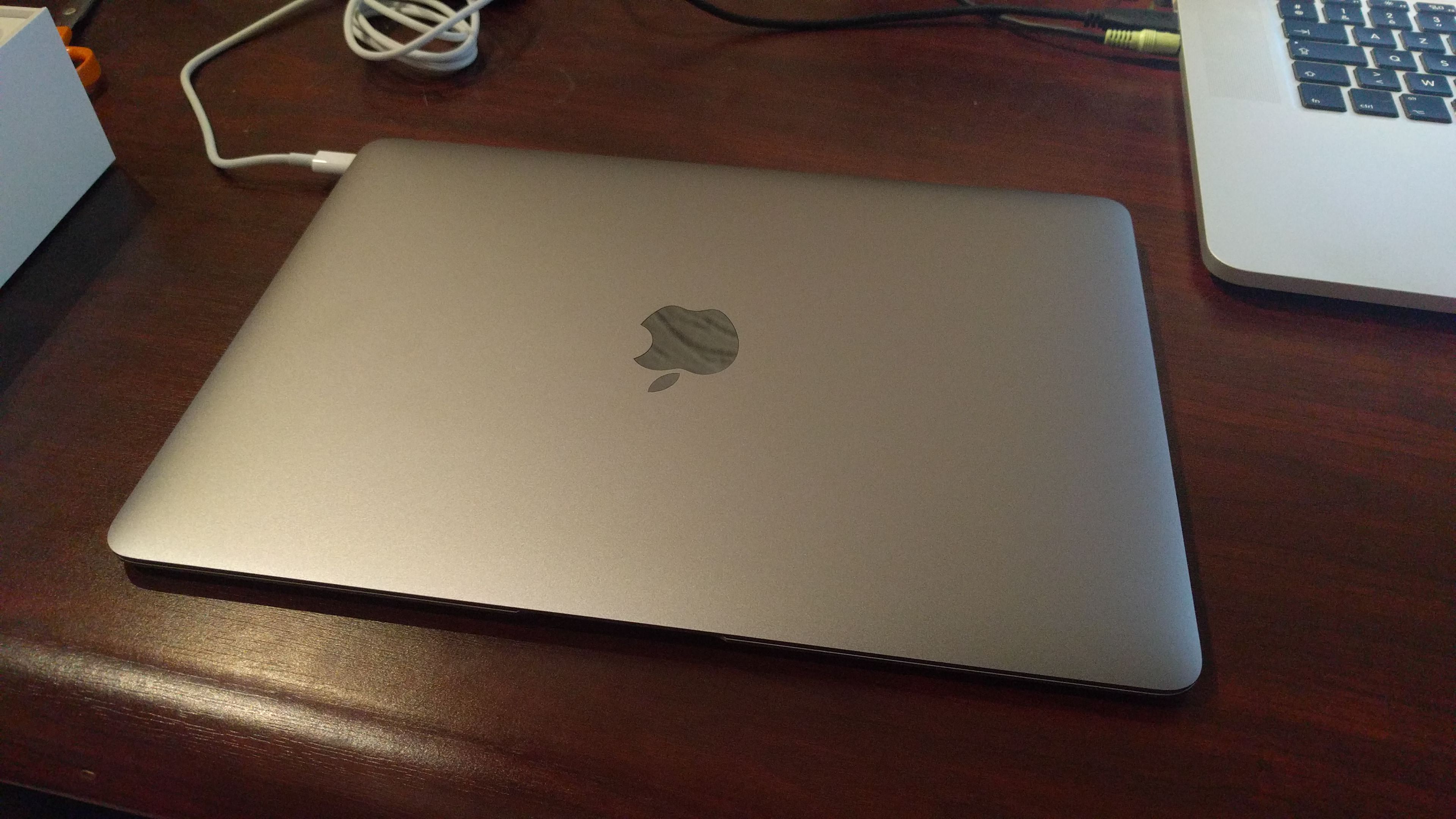
Besides this very decent Macbook Pro, it has been used, but in very good shape for the extreme work it has committed. Taken care of this device as if it was my own child. And did I mention blazing fast?
There's a precompiled wget available on the net, but it's not automatically accepting StartSSL's certificates. And as it seems, there's a wget update available that did.
This is what I had to do to compile it on my Macbook Pro;
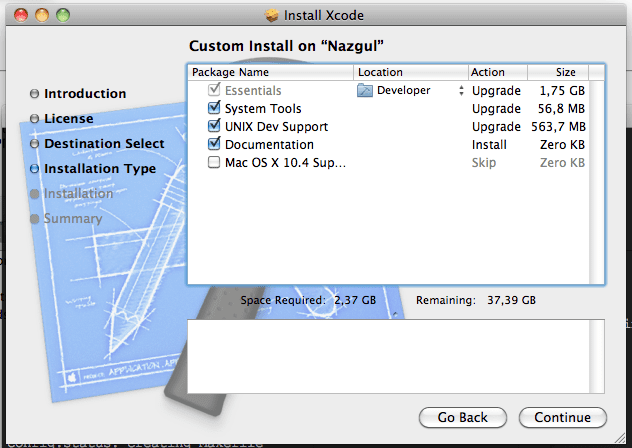
Install Xcode, if you haven't, and be sure to select UNIX Dev Support.
Or you'll get this error:
configure: error: C compiler cannot create executables
cd wget directory
./configure
make
sudo make install
In case you had an old (precompiled) wget installed; remove that version first (/usr/bin/wget probably). By default, this one will install itself in /usr/local/bin/wget which should be in your $PATH as well (in case it's not, make a symlink from the old /usr/bin/wget to /usr/local/bin/wget, or recompile with other installation directories).
Import your avi files recorded using Fraps into XviD4PSP (drag & drop)
Pick the encoding you want on the left. x264 q21 DXVA-SD-Insane seemed to be an acceptable quality.
Click enqueue (and repeat 3->5 for multiple files)
Click encode
... wait ...
This will create .mp4 files; transfer those to your Mac
Open iMovie, File -> Import -> Movies -> select the mp4 files
... wait ... A couple of hours
Your movie should now be in iMovie, and you should be able to edit it
Edit whatever you want to edit, share and export and have fun.
A little hint, if your video is cropped (parts cut off), click your movie sequence -> on the left corner of your sequence a little "gear" will appear -> Cropping & Rotation -> in your right display window click "fit" to make it full size.
Took me quite some time before I managed to do it, but hey, now I know… ;)
Syncing smart playlists, with “live updating” checked, bugged the playlists on the iPhone (there were songs in the playlist that didn’t belong there). Hoping this bug would be fixed ASAP I tried to ignore it as long as possible… However, it so far hasn’t been fixed.
As I was pretty fed up with unchecking “live updating” for 6 playlists eachtime I synced my iPhone, I tried to play around and find a fix.
A short howto, as I was unable to find any clear ones on the net.
I'm using Mac OS X (Leopard) as client, and a Gentoo server as server/host.
I both tried Viscosity and Tunnelblick on my Mac as OpenVPN software, and Viscosity is probably somewhat easier to configure (using the GUI), it was shareware. So I ended up using Tunnelblick and it seems to be doing its job quite well.
First of all, make sure Gentoo is set up and working as intended. I used my home router as VPN server (having both eth0 and eth1 (= ppp0).