π
happy 3.14159265!
happy 3.14159265!
An attempt to create a list of major blocked sites in China (or any other country/ISP). It’s written entirely in Bash.
Github repo riiiiiiight here. It’s used by my PAC-generator.
The Github page is updated once a day by three hosts. One in Belgium, one in The Netherlands, and a Guruplug in China. This way you can compare the results (in case some are down or replying slowly).
As it’s impossible to test every possible site, I just check popular sites (and a bunch of sites from Alexa). But if you know blocked sites not in the list, please submit them – thanks!
I made a simple bash script that generates a proxy auto configuration file.
The PAC file generated redirects all matching rules through the proxy.
The only issue at the moment, is that, once the list gets big, it’s not very performance-friendly. Something I’ll try to fix in the coming days.
I’m using this script to generate a proxy.pac file at work to redirect blocked content in China through the proxy for our employees currently in China.
There's a precompiled wget available on the net, but it's not automatically accepting StartSSL's certificates. And as it seems, there's a wget update available that did.
This is what I had to do to compile it on my Macbook Pro;
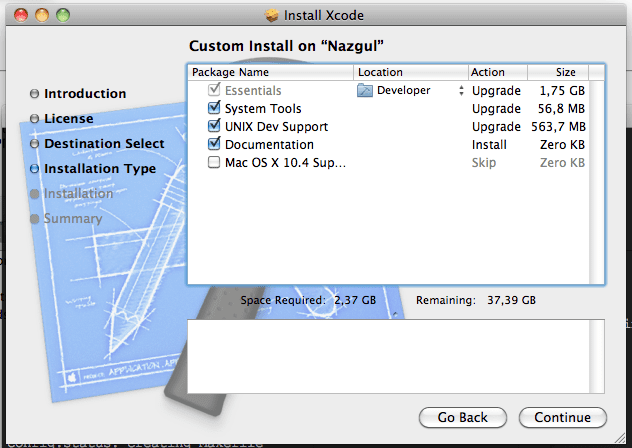
Or you'll get this error:
configure: error: C compiler cannot create executables
PATH=/Developer/usr/bin/:$PATH
tar xvzf wget-latest.*
cd wget directory
./configure
make
sudo make install